

 Premium
What's new in Gboard - the Google Keyboard 6.0.65.141378828
Gboard for Android.
- G button (enabled in settings) offers quick access to search from the keyboard
- Pop-out toolbar (when G button not enabled) provides access to themes, settings, one-handed mode, and search
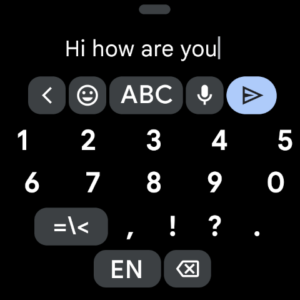
- Optional dedicated number row
- Up to three active languages with preference for one (previously had to switch)
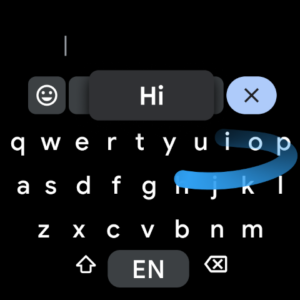
- Gesture typing is now called Glide typing.
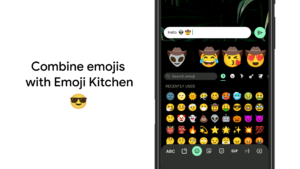
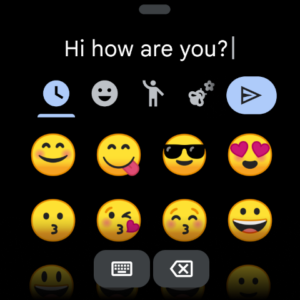
- Search for emoji
- Rearranged emoji panel with group selection at bottom
- Emoji have bright halo effect around them
About Gboard - the Google Keyboard 6.0.65.141378828
Google Keyboard makes typing fast and easy with gesture and voice. Glide through letters with Gesture Typing to enter words - just lift your finger to finish a word and gesture again, no spacebar required. Compose text on-the-go with Voice Typing. When you can’t find the right words, express yourself with hundreds of perfect emoji. Works on all your Android devices.
Premium
Key features:
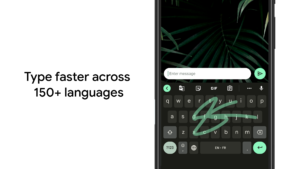
• Gesture Typing: Slide your finger from letter to letter. Completes a word before you’ve finished the gesture, especially useful when gesturing longer words.
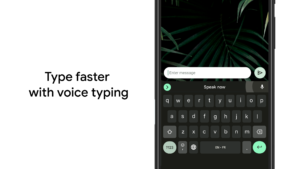
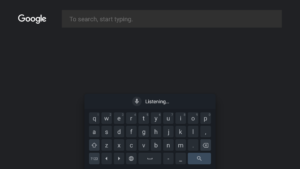
• Voice Typing: Touch the microphone to simply dictate your text.
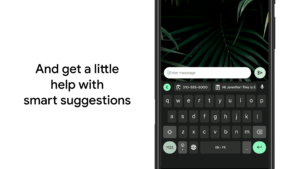
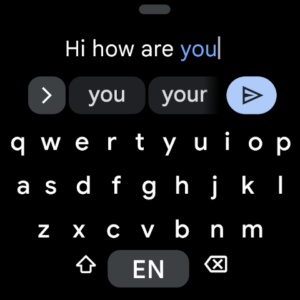
• Word completion suggestions, automatic corrections, and next-word prediction based on the words you have typed.
• Emoji: Press and hold Enter to choose from hundreds of emoji in any app (Android 4.4+).
• Learns as you type: No need to manually add words to a personal dictionary. Type a word once and you can gesture type it or find it in suggestions next time. Long press a suggestion to remove it from your “learned words” or the keyboard dictionary.
• Sync your learned words across devices to improve suggestions: To turn on keyboard syncing, go to Settings → Language & input → Google Keyboard → Dictionary → Sync learned words.
• Gesture cursor control: Slide your finger across the space bar to move the cursor.
• Gesture delete: Slide left from the delete key to quickly delete multiple words.
• Symbols hints: Show quick hints on your keys to access symbols with a long press (enable in Google Keyboard Settings → Preferences → Long press for symbols).
• One handed mode: On large screen phones, pin keyboard to the left or the right of the screen by long pressing on Enter and selecting the thumb icon.
• Fast symbols: Gesture from the “?!☺” key to temporarily switch to the symbols keyboard and insert a symbol.
• Fast capitalization: Gesture from the SHIFT key to a character to capitalize it.
• Choose a layout with or without key borders to suit your style.
Gesture typing and word suggestions supported in:
English (US), Afrikaans, Armenian, Azerbaijani, Belarusian, Bulgarian, Bulgarian (BDS), Catalan, Croatian, Czech, Danish, Dutch (Belgium), Dutch (Netherlands), English (India), English (UK), Estonian, Finnish, French (Canada), French (France), French (Switzerland), Galician, Georgian, German (Germany), German (Switzerland), Greek, Hebrew, Hungarian, Icelandic, Indonesian, Italian (Italy), Italian (Switzerland), Kazakh, Kyrgyz, Latvian, Lithuanian, Macedonian, Malay, Norwegian, Persian, Polish, Portuguese (Brazil), Portuguese (Portugal), Romanian, Russian, Serbian (Cyrillic), Serbian (Latin), Slovak, Slovenian, Spanish (Latin America), Spanish (Spain), Spanish (US), Swahili, Swedish, Tagalog, Turkish, Ukrainian, Uzbek, Vietnamese.
Additional keyboard layouts:
Arabic, Basque (Spain), Bengali (Bangladesh and India)*, Esperanto, Hindi*, Kannada*, Khmer (Cambodia), Lao, Malayalam*, Marathi*, Mongolian, Nepali, Tamil (India and Singapore)*, Telugu*, Thai, Zulu.
* For Indic languages, Google also offers Google Indic Keyboard in the Play Store with Hinglish and transliteration support.
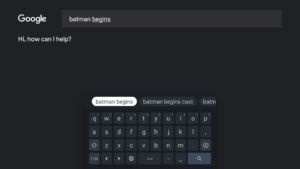
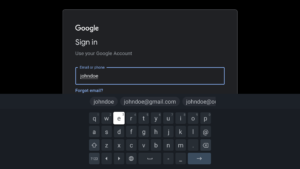
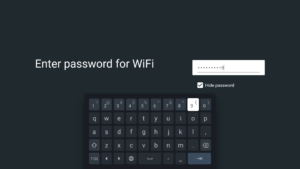
Gboard - the Google Keyboard 6.0.65.141378828 screenshots (17)
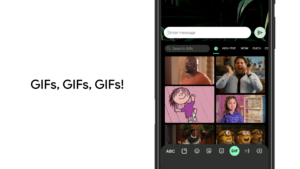
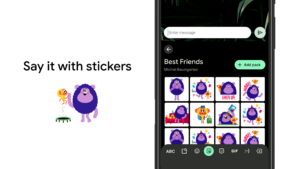
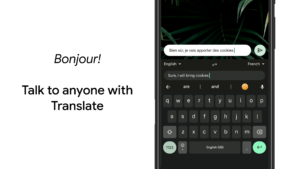
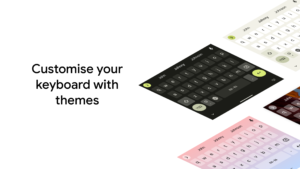
Screenshots from version 18.1.3.962075747
Download Gboard - the Google Keyboard 6.0.65.141378828
This release comes in several variants (we currently have 2). Consult our handy FAQ to see which download is right for you.
Known valid signatures: 3891 58e1.

Version:17.3.09.902587967
Uploaded:August 27, 2026 at 8:49PM UTC
File size:24.37 MB
Version:5.3.10.932181836
Uploaded:August 21, 2026 at 5:48AM UTC
File size:29.00 MB

Version:5.2.1.136797460
Uploaded:December 6, 2016 at 3:58AM UTC
File size:23.83 MB

Version:18.1.3.962075747
Uploaded:September 4, 2026 at 12:14AM UTC
File size:74.07 MB
Downloads:4,808
Version:18.0.5.954559732
Uploaded:September 1, 2026 at 1:15AM UTC
File size:74.27 MB
Downloads:1,355
Version:18.0.3.954559732
Uploaded:August 25, 2026 at 12:44AM UTC
File size:74.27 MB
Downloads:12,940
Version:17.8.6.939743344
Uploaded:August 17, 2026 at 4:19AM UTC
File size:65.57 MB
Downloads:753
Version:17.8.7.939743344
Uploaded:August 16, 2026 at 2:30AM UTC
File size:65.92 MB
Downloads:628
Version:17.8.5.939743344
Uploaded:August 13, 2026 at 6:29AM UTC
File size:65.94 MB
Downloads:386
Version:17.8.4.939743344
Uploaded:August 10, 2026 at 6:42AM UTC
File size:73.83 MB
Downloads:3,332
Version:17.7.8.932364120
Uploaded:August 4, 2026 at 2:53AM UTC
File size:65.26 MB
Downloads:222
Version:17.7.6.932364120
Uploaded:July 26, 2026 at 1:16AM UTC
File size:72.72 MB
Downloads:2,899
Version:17.8.3.939743344
Uploaded:July 25, 2026 at 4:30AM UTC
File size:65.57 MB
Downloads:2,790
Follow APK Mirror


