

 Premium
What's new in AudioLab Audio Cutter & Editor 1.3.8
AudioLab now targets Android 15 (API 35)
New Features added:-
- Speed significant improvements (up to 30%)
- New Improved menu
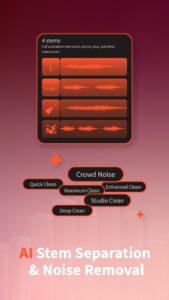
- AI features stem separation, noise, echo, reverb removal, key bpm finder
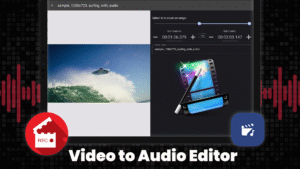
- New Video editing tools
- Audio Video compress feature added
- Metronome added
- Karaoke effect in audio effect
- Channel left-right split in channel manipulation
Improvement:-
- Lots of bug fixes and performance improvements
- Lots of UI improvements
- Landscape UI is optimised
About AudioLab Audio Cutter & Editor 1.3.8
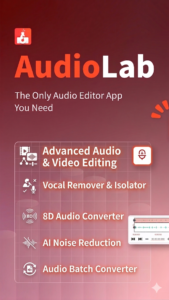
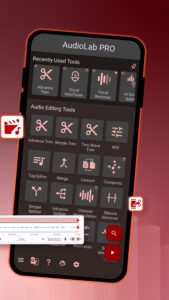
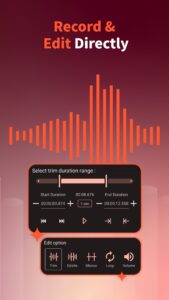
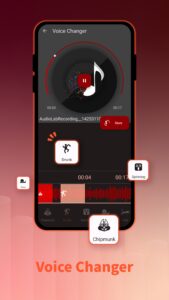
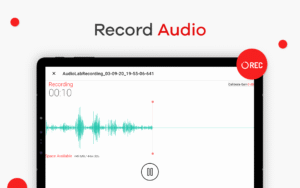
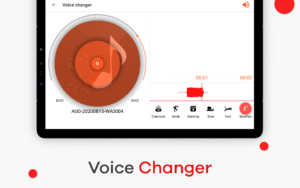
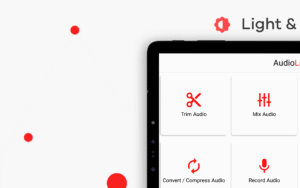
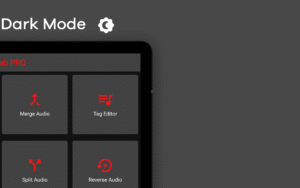
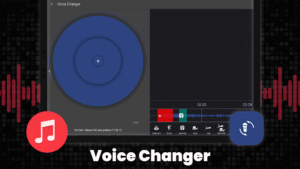
Do you dream of creating professional-sounding music 🎶, podcasts 🎙️, or ringtones 🔔 on your Android device? Look no further than AudioLab, the feature-packed app that allows you to edit ✂️, enhance ✨, and manipulate audio 🎧. Whether you're a seasoned musician 🎸, a budding podcaster 🎤, or someone who wants to personalize their audio experience, AudioLab is your one-stop shop for all your audio editing needs. It has multiple features such as audio trim ✂️, mix 🎛️, merge 🔗, tag editing 🏷️, record audio 🎙️, change voice 🗣️, text to speech 📝🔊, silence and noise remover 🔇, and many more pro features.
Editing and Refining:
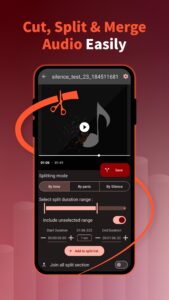
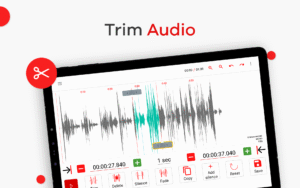
• Precision Editing ✂️: Cut, trim, and splice your audio files. Remove unwanted sections, silence gaps, and create the perfect audio arrangement.
• Non-Destructive Editing♻️: Edit your audio with confidence thanks to non-destructive Editing. Experiment freely and revert to the original file.
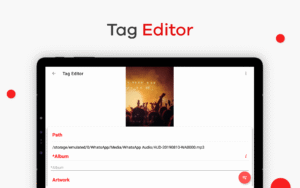
• MP3 Tag Editor 🏷️: Organize your music library effortlessly. Edit MP3 tags (artist, album, title, etc.) for easy searching and playback.
• Sound Effects 🎵: Infuse your audio with excitement! Add various sound effects to enhance your recordings, podcasts, or ringtones.
• Sound Pitch and Speed Control: Alter the pitch and speed of your audio for creative effects. Create chipmunk voices, slow down recordings for learning, or speed things up for a dynamic effect.
• Audio Normalizer 📏: Ensure consistent volume across your audio tracks. The audio normalizer automatically adjusts the volume level for a balanced listening experience.
• Noise Reduction 🔇: Eliminate unwanted background noise like hum, hiss, or static. Perfect for cleaning up live recordings or recordings made in noisy environments.
• Text-to-Speech Conversion 📝🔊: Create voiceovers or add narration to your projects.
Premium
Creative Enhancements:
• Sound Reverb 🎶: Add depth and ambiance to your audio with various reverb effects. Simulate the acoustics of concert halls, cathedrals, or other spaces.
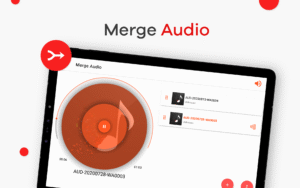
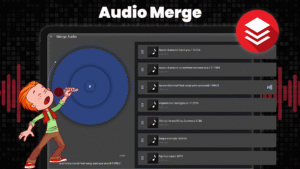
• Audio Joiner and Merger 🔗: Combine multiple audio files seamlessly. Create custom mixes, extended tracks, or personalized playlists.
• Sound Silence Remover 🤫: Eliminate those pesky silent sections between songs or recordings. It is Ideal for creating smooth and gapless audio experiences.
• Audio Compressor 📉: Reduce the file size of your audio without sacrificing quality. Perfect for sharing or storing large audio files.
Vocal Manipulation and Background Removal:
• Vocal Remover 🎤🚫: Create your own karaoke tracks! The vocal Remover isolates the instrumental backing track, leaving you with just the music.
• Music Background Remover 🎵🚫: Isolate the vocals or melody from a song. Excellent for creating acapella or remixing tracks.
Advanced Audio Tools:
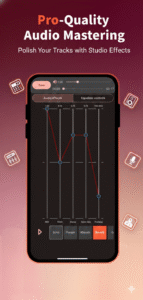
• Equalizer 🎚️: Fine-tune the sound profile of your audio. Boost specific frequencies or create custom EQ presets to achieve the perfect sound for your genre or preference.
• Audio Looping 🔁: Create seamless loops from any part of your audio. This feature is ideal for DJs, music producers, or anyone who wants to create repetitive audio elements.
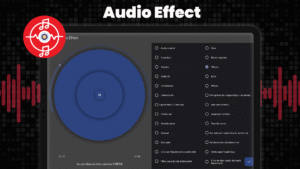
• Audio Filter 🌀: Apply various audio filters to make sound in unique ways. Experiment with filters like echo, flanger, chorus, and more.
• Audio Amplifier 🔊: Boost the volume of your audio for better audibility.
Format Flexibility:
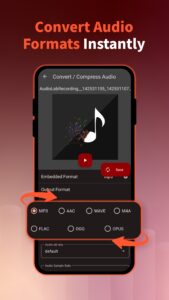
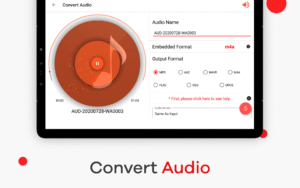
• Audio Converter 🔄: Convert your audio files between formats like MP3, WAV, FLAC, M4A, and more. Provide compatibility with various devices and music players.
• Sound Splitter ✂️: Split a single audio file into multiple tracks. Perfect for separating specific sections of a recording or creating individual song files from an audiobook.
Beyond the Features:
AudioLab's user-friendliness interface and clean layout make it easy to boast a real-time audio preview, allowing you to hear the results of your edits. ✨💡
With AudioLab, the possibilities are endless! Download it today and transform your audio experience! 🚀
AudioLab Audio Cutter & Editor 1.3.8 Play Store trailer
Download AudioLab Audio Cutter & Editor 1.3.8
This release may come in several variants. Consult our handy FAQ to see which download is right for you.

Version:1.3.33
Uploaded:October 3, 2026 at 6:04PM UTC
File size:20.30 MB
Downloads:391
Version:1.3.31
Uploaded:October 1, 2026 at 10:57AM UTC
File size:19.86 MB
Downloads:49
Version:1.3.28
Uploaded:September 22, 2026 at 8:20AM UTC
File size:27.07 MB
Downloads:82
Version:1.3.24
Uploaded:May 26, 2026 at 7:05AM UTC
File size:50.98 MB
Downloads:626
Version:1.3.23
Uploaded:April 5, 2026 at 2:11PM UTC
File size:63.89 MB
Downloads:240
Version:1.3.22
Uploaded:March 24, 2026 at 5:40AM UTC
File size:26.92 MB
Downloads:122
Version:1.3.21
Uploaded:March 23, 2026 at 4:39PM UTC
File size:52.82 MB
Downloads:56
Version:1.3.20
Uploaded:March 2, 2026 at 4:11PM UTC
File size:24.53 MB
Downloads:119
Version:1.3.13
Uploaded:November 14, 2025 at 10:37PM UTC
File size:34.47 MB
Downloads:272
Version:1.3.10
Uploaded:August 19, 2025 at 11:58AM UTC
File size:33.33 MB
Downloads:197
Follow APK Mirror


