

 Premium
What's new in Nova Video Player 1.0-20180903.1757
Scraper improvements.
Issue a warning toast is hardware decoding is disabled.
Add support for Android P avoiding application crash at startup;
Add a "list episodes" button on tvshow episode view to quickly get to tvshow view on AndroidTV leanback version;
Fix subtitle delay not applied on play resume when negative;
Fix floating player crash on Android version Oreo and above
Prevent from playing a file when detecting a problem: issue a toast instead;
About Nova Video Player 1.0-20180903.1757
Nova is an opeN sOurce Video plAyer designed for tablets, phones and AndroidTV devices.
Premium
Universal player:
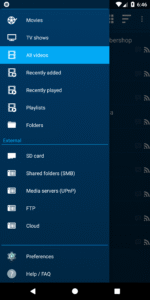
- Play videos from your computer, server (FTP, SFTP), NAS (SMB, UPnP)
- Play videos from external USB storage
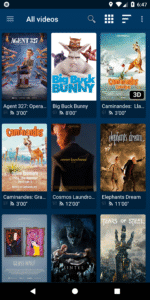
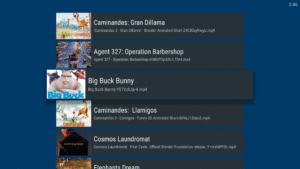
- Videos from all sources integrated in a unified multimedia collection
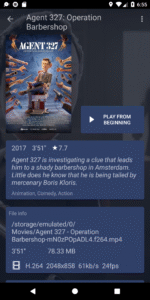
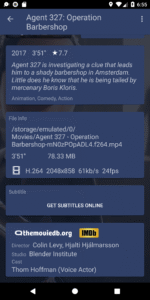
- Automatic online retrieval of movie and TV show descriptions with posters and backdrops
- Integrated subtitle download
Best player:
- Hardware accelerated video decoding for most devices and video formats
- Multi-audio tracks and mutli-subtitles support
- Supported file formats: MKV, MP4, AVI, WMV, FLV, etc.
- Supported subtitle file types: SRT, SUB, ASS, SMI, etc.
TV friendly:
- Dedicated “leanback” user interface for Android TV
- AC3/DTS passthrough (HDMI or S/PDIF) on supported hardware: Nexus Player, NVidia SHIELD TV, Rockchip and AmLogic based TV-boxes
- 3D support with side-by-side and top-bottom formats playback for 3D TVs
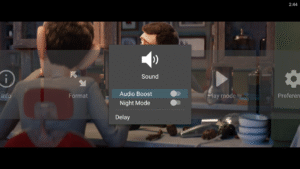
- Audio Boost mode to increase the volume level
- Night Mode to dynamically adjust the volume level
Browse the way you want:
- Instant access to recently added and recently played videos
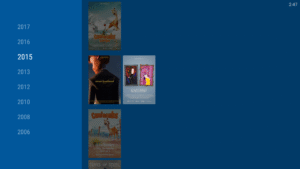
- Browse movies by name, genre, year, duration, rating
- Browse TV shows by seasons
- Folder browsing supported
And even more:
- Multi-device network video resume
- NFO metadata processing for descriptions and posters
- Scheduled rescan of your network content (Leanback UI only)
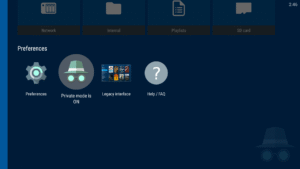
- Private mode: temporarily disable playback history recording
- Manually adjust subtitles synchronization
- Manually adjust audio/video synchronization
- Track what your collection and what you have watched via Trakt
In case you have an issue or a request about this app, please check our Google+ support group at this address: goo.gl/PXyUfM
If you experience any issue with video hardware decoding you can force software decoding in the application preferences.
This application is based on a fork of Archos Video Player open-source release available at github.com/nova-video-player/aos-AVP
NOVA stands for opeN sOurce Video plAyer.
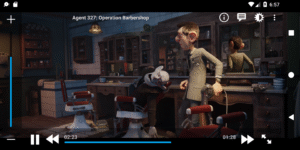
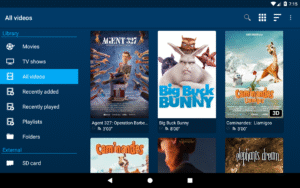
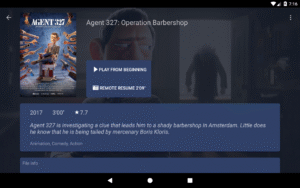
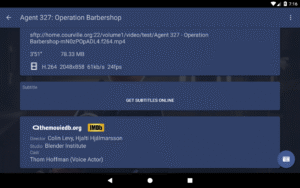
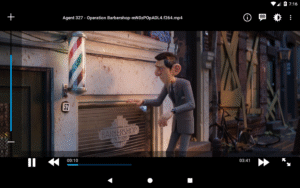
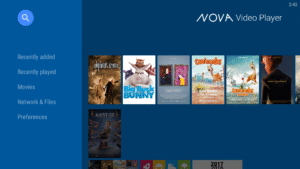
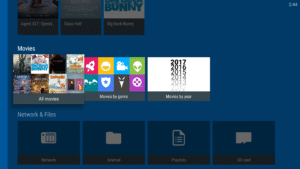
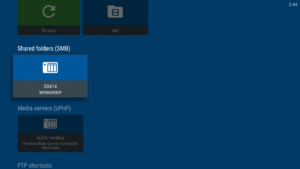
Nova Video Player 1.0-20180903.1757 Play Store screenshots (16)
Screenshots from version 6.4.53-20260826.2201
Download Nova Video Player 1.0-20180903.1757
This release may come in several variants. Consult our handy FAQ to see which download is right for you.

Version:6.4.53-20260826.2201
Uploaded:August 28, 2026 at 7:04PM UTC
File size:20.66 MB
Downloads:203
Version:6.4.53-20260825.1907
Uploaded:August 26, 2026 at 10:19AM UTC
File size:21.10 MB
Downloads:73
Version:6.4.51-20260820.1839
Uploaded:August 22, 2026 at 9:26PM UTC
File size:35.03 MB
Downloads:49
Version:6.4.46-20260815.1254
Uploaded:August 17, 2026 at 10:39AM UTC
File size:16.35 MB
Downloads:80
Version:6.4.45-20260801.1617
Uploaded:August 4, 2026 at 3:07PM UTC
File size:35.33 MB
Downloads:233
Version:6.4.37-20260522.2103
Uploaded:May 26, 2026 at 1:55AM UTC
File size:36.47 MB
Downloads:717
Version:6.4.34-20260404.1941
Uploaded:April 8, 2026 at 3:04AM UTC
File size:32.53 MB
Downloads:759
Version:6.4.32-20260329.2236
Uploaded:March 31, 2026 at 10:16PM UTC
File size:32.50 MB
Downloads:130
Version:6.4.31-20260322.1552
Uploaded:March 24, 2026 at 5:04PM UTC
File size:32.51 MB
Downloads:122
Version:6.4.27-20260208.1429
Uploaded:February 13, 2026 at 7:14AM UTC
File size:32.30 MB
Downloads:371
Follow APK Mirror


