

 Premium
What's new in Nova Video Player 1.0-20190917.1003
Countless TV UI improvements (categories, channels, roles, trailers, badges, global actions, subs picker, poster zoom)
Fullscreen landscape video option on cutout displays
API28/AndroidX migration
Upstep FFmpeg 4.2.1 and dav1d 0.4.0
Fix database crash preventing app to start on some custom ROMs
Proper scanning/scraping notifications
Force disabling stereo downmix option on phones/tablets
Fix video blacklisting on local storage
Smoother 4k and HEVC playback on Mediatek
Fix A/V delay on amlogic
About Nova Video Player 1.0-20190917.1003
Nova is an opeN sOurce Video plAyer designed for tablets, phones and AndroidTV devices.available at github.com/nova-video-player/aos-AVP
Premium
Universal player:
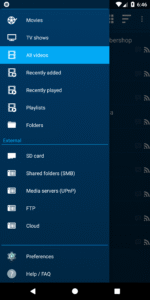
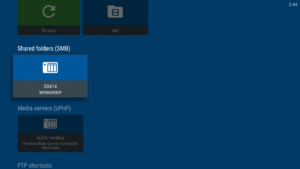
- Play videos from your computer, server (FTP, SFTP), NAS (SMB, UPnP)
- Play videos from external USB storage
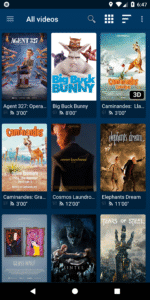
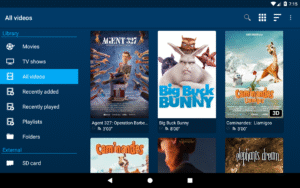
- Videos from all sources integrated in a unified multimedia collection
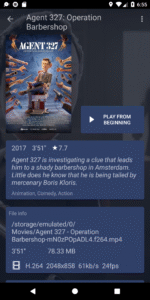
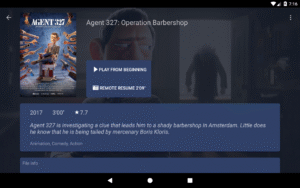
- Automatic online retrieval of movie and TV show descriptions with posters and backdrops
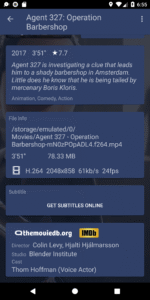
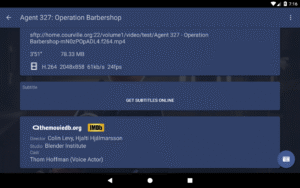
- Integrated subtitle download
Best player:
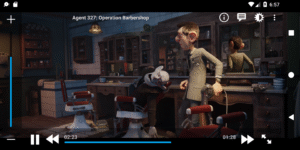
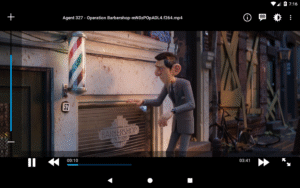
- Hardware accelerated video decoding for most devices and video formats
- Multi-audio tracks and mutli-subtitles support
- Supported file formats: MKV, MP4, AVI, WMV, FLV, etc.
- Supported subtitle file types: SRT, SUB, ASS, SMI, etc.
TV friendly:
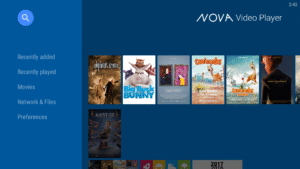
- Dedicated “leanback” user interface for Android TV
- AC3/DTS passthrough (HDMI or S/PDIF) on supported hardware: Nexus Player, NVidia SHIELD TV, Rockchip and AmLogic based TV-boxes
- 3D support with side-by-side and top-bottom formats playback for 3D TVs
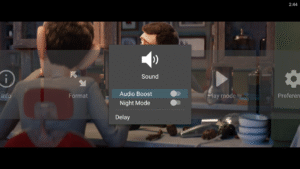
- Audio Boost mode to increase the volume level
- Night Mode to dynamically adjust the volume level
Browse the way you want:
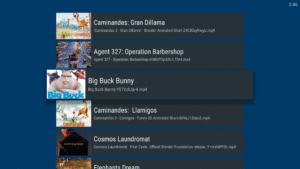
- Instant access to recently added and recently played videos
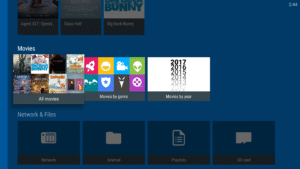
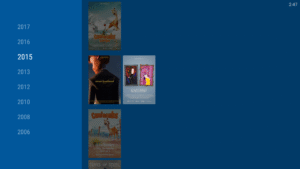
- Browse movies by name, genre, year, duration, rating
- Browse TV shows by seasons
- Folder browsing supported
And even more:
- Multi-device network video resume
- NFO metadata processing for descriptions and posters
- Scheduled rescan of your network content (Leanback UI only)
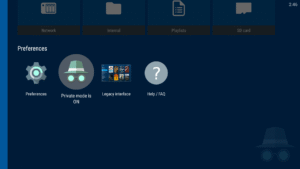
- Private mode: temporarily disable playback history recording
- Manually adjust subtitles synchronization
- Manually adjust audio/video synchronization
- Track what your collection and what you have watched via Trakt
In case you have an issue or a request about this app, please check our Reddit support community at this address: www.reddit.com/r/NovaVideoPlayer
If you experience any issue with video hardware decoding you can force software decoding in the application preferences.
You are welcome to contribute to the translation of the application at crowdin.com/project/nova-video-player
NOVA stands for opeN sOurce Video plAyer.
Download Nova Video Player 1.0-20190917.1003
This release may come in several variants. Consult our handy FAQ to see which download is right for you.

Version:6.4.53-20260826.2201
Uploaded:August 28, 2026 at 7:04PM UTC
File size:20.66 MB
Downloads:121
Version:6.4.53-20260825.1907
Uploaded:August 26, 2026 at 10:19AM UTC
File size:21.10 MB
Downloads:70
Version:6.4.51-20260820.1839
Uploaded:August 22, 2026 at 9:26PM UTC
File size:35.03 MB
Downloads:47
Version:6.4.46-20260815.1254
Uploaded:August 17, 2026 at 10:39AM UTC
File size:16.35 MB
Downloads:80
Version:6.4.45-20260801.1617
Uploaded:August 4, 2026 at 3:07PM UTC
File size:35.33 MB
Downloads:207
Version:6.4.37-20260522.2103
Uploaded:May 26, 2026 at 1:55AM UTC
File size:36.47 MB
Downloads:711
Version:6.4.34-20260404.1941
Uploaded:April 8, 2026 at 3:04AM UTC
File size:32.53 MB
Downloads:742
Version:6.4.32-20260329.2236
Uploaded:March 31, 2026 at 10:16PM UTC
File size:32.50 MB
Downloads:130
Version:6.4.31-20260322.1552
Uploaded:March 24, 2026 at 5:04PM UTC
File size:32.51 MB
Downloads:122
Version:6.4.27-20260208.1429
Uploaded:February 13, 2026 at 7:14AM UTC
File size:32.30 MB
Downloads:369
Follow APK Mirror


