

 Premium
What's new in Foxit PDF Editor 5.3.0.1309
1.Generate 2D barcodes for Ultraforms-enabled PDF forms
2.Open documents via embedded hyperlinks
3.Share documents and discussions on PDF documents
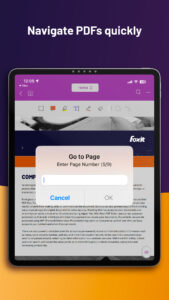
4.Organize Connected Review comments for efficient collaboration
5.Paging with volume keys
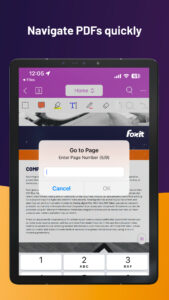
6.Navigate with a Bluetooth keyboard
7.Auto Flip
8.Save, synchronize, and access PDF files in the Foxit Cloud Reading
9.Enhance the workflow of uploading and saving local PDFs to cloud services
10.Monthly and yearly subscription options for Business edition
About Foxit PDF Editor 5.3.0.1309
Want a free PDF reader? Try Foxit MobilePDF. This is an easy-to-use PDF reader which allows you to view, annotate, and protect PDF files on Android devices while on the go. Unlike other PDF readers, this app comes with ConnectedPDF, a breakthrough technology that brings new levels of accountability, collaboration, and productivity to the sharing and tracking of PDF documents worldwide.
Premium
Foxit MobilePDF provides you with the following capabilities:
Reliable: 100% compliant with your current PDF ecosystem.
Lightweight: doesn’t exhaust your device resources.
Fast: no long waits to open PDFs.
Secure: powerful file protection features to safeguard sensitive information against unauthorized access.
Collaborative: full control of your content.
Multi-Language: 12 languages to meet the demand of worldwide customers.
What Foxit MobilePDF can offer to you:
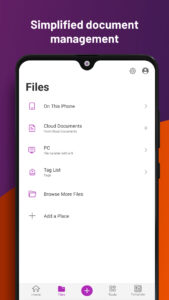
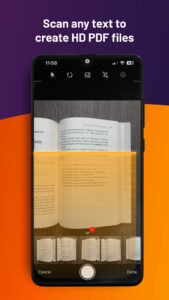
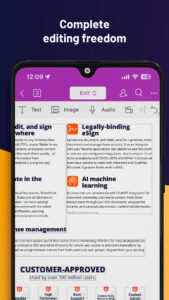
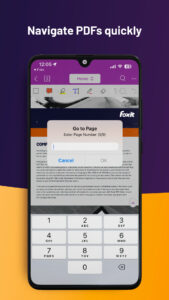
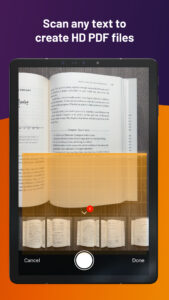
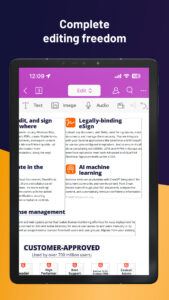
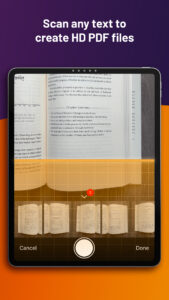
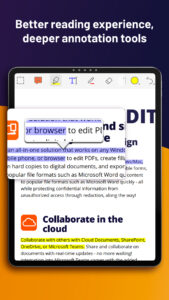
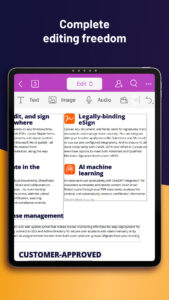
View, organize, and edit PDF files
• Reflow PDF files for easy viewing
• Support multiple tab view (for tablets only)
• Rename, move, copy or delete PDF file(s)
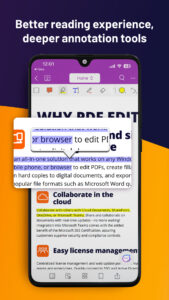
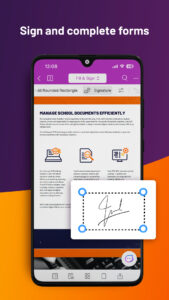
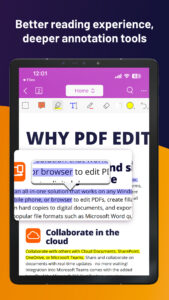
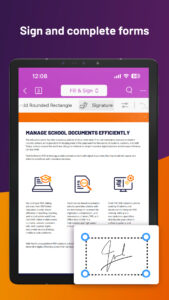
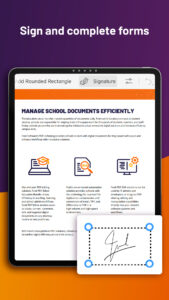
• Annotate, stamp, and sign PDF documents
Work with ConnectedPDF
• Convert PDF files to ConnectedPDF format
• Work with protected cPDFs
• Participate in Connected reviews
• Track who reads or edits your PDF document
• Share comments and discussions on PDF documents
Work on PDF forms
• Fill out and save PDF forms
• Import and export form data
• Submit PDF forms via HTTP, FTP, or Email
• Generate 2D barcodes for Ultraforms-enabled PDF forms
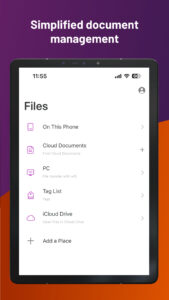
Share, store and synchronize PDF files
• Share PDF files and screenshots from within the application
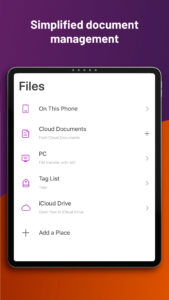
• Save, synchronize and access PDF files in Google Drive, OneDrive, Dropbox, Box, and Foxit Cloud Reading
• Share multiple files across your desktop and Android device via Wi-Fi
Subscription services
• Protect PDF files with certificates, passwords, and Microsoft Rights Management Services (RMS)
• Manage the app and protect corporate data with Microsoft Intune
• Participate in Share reviews and Email-based reviews
• Optimize PDF documents
• Sign PDF documents with digital certificates
• Save, synchronize and access PDF files in OneDrive Business

Download Foxit PDF Editor 5.3.0.1309
This release may come in several variants. Consult our handy FAQ to see which download is right for you.
Known valid signatures: 24a5 4a9f.

Version:2025.11.0.1124.1122
Uploaded:November 28, 2025 at 3:25AM UTC
File size:108.47 MB
Downloads:88
Version:2025.10.0.1027.0901
Uploaded:October 30, 2025 at 6:51AM UTC
File size:130.71 MB
Downloads:148
Version:2025.9.0.0902.0822
Uploaded:September 17, 2025 at 3:29PM UTC
File size:64.98 MB
Downloads:160
Version:2025.8.0.0814.0631
Uploaded:August 20, 2025 at 2:04PM UTC
File size:56.65 MB
Downloads:158
Version:2025.7.0.0717.0727
Uploaded:July 20, 2025 at 9:01AM UTC
File size:67 MB
Downloads:222
Version:2025.7.0.0714.0926
Uploaded:July 16, 2025 at 9:44PM UTC
File size:67 MB
Downloads:41
Version:2025.6.0.0610.0520
Uploaded:June 18, 2025 at 4:34PM UTC
File size:66.86 MB
Downloads:146
Version:2025.5.1.0522.0721
Uploaded:May 23, 2025 at 2:27AM UTC
File size:66.52 MB
Downloads:155
Version:2025.5.0.0509.0346
Uploaded:May 21, 2025 at 3:45PM UTC
File size:66.52 MB
Downloads:23
Version:2025.4.0.0415.0558
Uploaded:April 23, 2025 at 2:14PM UTC
File size:60.06 MB
Downloads:110
Follow APK Mirror


