

 Premium
What's new in Foxit PDF Editor 6.5.0.0930
1.Insert audio or video to PDF (requires subscription to Foxit PhantomPDF Business)
2.Ability to execute JavaScript in a PDF form to pick a date from the date component
3.Some ease of use enhancements
About Foxit PDF Editor 6.5.0.0930
Want a free PDF reader? Try Foxit MobilePDF. This is an easy-to-use PDF reader which allows you to view, annotate, and protect PDF files on Android devices while on the go. Unlike other PDF readers, this app comes with ConnectedPDF, a leading edge technology that powers document intelligence, security, and collaboration services for PDF files.
Premium
Foxit MobilePDF provides you with the following capabilities:
Reliable: 100% compliant with your current PDF ecosystem.
Lightweight: doesn’t exhaust your device resources.
Fast: no long waits to open PDFs.
Secure: powerful file protection features to safeguard sensitive information against unauthorized access.
Collaborative: full control of your content.
Multi-Language: 12 languages to meet the demand of worldwide customers.
What Foxit MobilePDF can offer to you:
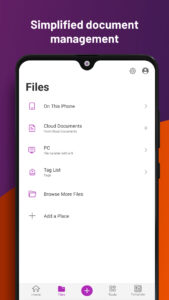
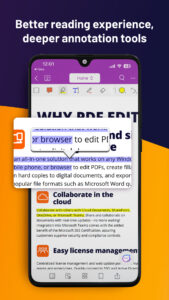
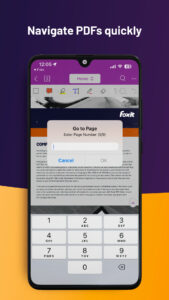
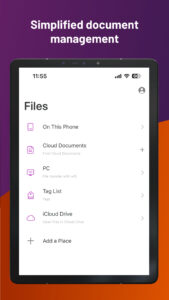
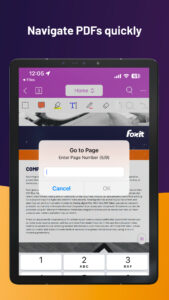
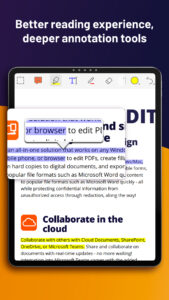
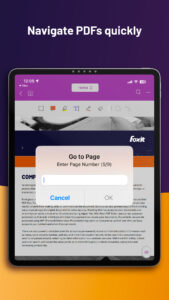
View, manage, and annotate PDF files
• Reflow PDF files for easy viewing
• Support multiple tab view (for tablets only)
• Rename, move, copy or delete PDF file(s)
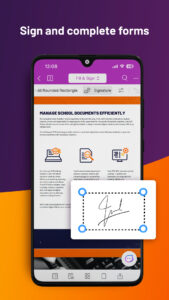
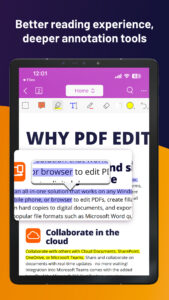
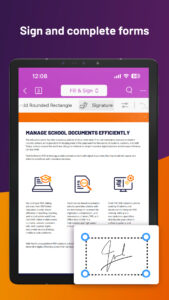
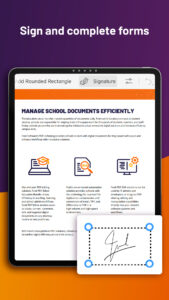
• Annotate, stamp, and sign PDF documents
• Support to read PDFs out loud
• Play audios and videos in PDF.
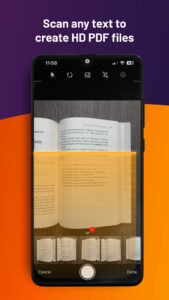
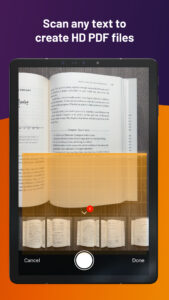
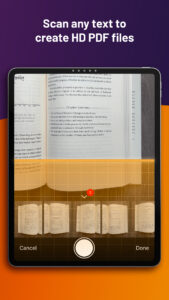
• Scan, capture, and convert paper documents to PDFs.
• Print PDFs
Work with ConnectedPDF
• Convert PDF files to ConnectedPDF format
• Work with protected cPDFs
• Participate in Connected reviews
• Track who reads or edits your PDF document
• Share comments and discussions on PDF documents
• Share your PDF file with a file link
Work on PDF forms
• Fill out and save PDF forms
• Import and export form data
• Submit PDF forms via HTTP, FTP, or Email
• Generate 2D barcodes for Ultraforms-enabled PDF forms
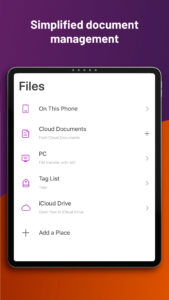
Share, store and synchronize PDF files
• Share PDF files and screenshots from within the application
• Save, synchronize and access PDF files in Google Drive, OneDrive, Dropbox, Box, and Foxit Drive
• Share multiple files across your desktop and Android device via Wi-Fi
Advanced features
• Protect PDF files with certificates, passwords, and Microsoft Information Protection(MIP)
• Manage the app and protect corporate data with Microsoft Intune
• Participate in Share reviews and Email-based reviews
• Optimize PDF documents
• Sign PDF documents with an existing digital certificates
• Save, synchronize and access PDF files in OneDrive Business
• Create and combine PDF files
• Convert PDFs to Microsoft Office files, TXT, image, and HTML files
• Work on XFA forms (requires subscription to Foxit PhantomPDF Business)
• Organize PDF pages.
• Edit document properties
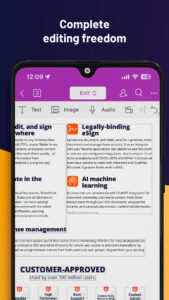
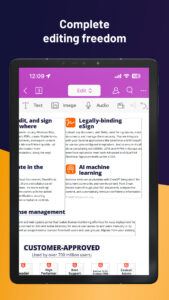
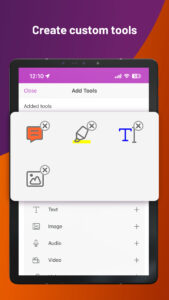
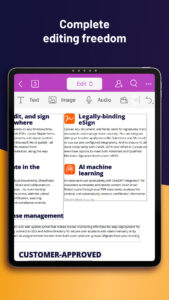
• Add/Edit text and image objects in PDF (requires subscription to Foxit PhantomPDF Business)
• Insert audio or video to PDF (requires subscription to Foxit PhantomPDF Business)
You can have a 7-day free trial for the advanced features. To activate the advanced features when the free trial expires, you should subscribe to Foxit MobilePDF Business or Foxit PhantomPDF Business. The subscription works for Foxit MobilePDF across your iOS, Android, and Windows devices. After subscription, just sign in with your Foxit account and the advanced features will be available.
You can subscribe to Foxit PhantomPDF to create, edit, protect, and collaborate PDF files on Windows desktop. Subscription to Foxit PhantomPDF also allows for free and unlimited access to the advanced features in Foxit MobilePDF.
Follow Foxit on Facebook and Twitter!
www.facebook.com/foxitsoftware
twitter.com/foxitsoftware
Download Foxit PDF Editor 6.5.0.0930
This release may come in several variants. Consult our handy FAQ to see which download is right for you.
Known valid signatures: 24a5 4a9f.

Version:2026.5.0.0828.1035
Uploaded:September 1, 2026 at 8:40AM UTC
File size:131.66 MB
Downloads:153
Version:2026.4.3.0527.0810
Uploaded:June 4, 2026 at 3:26AM UTC
File size:109.57 MB
Downloads:327
Version:2026.4.2.0509.0442
Uploaded:May 11, 2026 at 3:24AM UTC
File size:133.11 MB
Downloads:154
Version:2026.4.1.0428.0803
Uploaded:April 28, 2026 at 9:54AM UTC
File size:109.56 MB
Downloads:131
Version:2026.4.0.0417.1223
Uploaded:April 27, 2026 at 9:06AM UTC
File size:133.09 MB
Downloads:36
Version:2026.3.2.0407.0540
Uploaded:April 7, 2026 at 9:09AM UTC
File size:132.19 MB
Downloads:118
Version:2026.3.1.0330.0944
Uploaded:March 31, 2026 at 8:41AM UTC
File size:109.09 MB
Downloads:67

Version:2026.3.0.0318.0644
Uploaded:March 20, 2026 at 3:48AM UTC
File size:109.09 MB
Downloads:87
Version:2026.2.1.0223.0520
Uploaded:February 23, 2026 at 11:25AM UTC
File size:131.37 MB
Downloads:142
Version:2026.2.0.0210.0704
Uploaded:February 12, 2026 at 9:07AM UTC
File size:108.75 MB
Downloads:100
Follow APK Mirror


