

 Premium
What's new in Gboard - the Google Keyboard 9.0.4.291247272
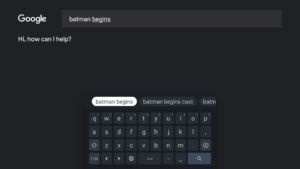
• Scrollable search suggestion chips in Gboard for Google App users (beta only)
• Download the beta version to give feedback on upcoming improvements goo.gl/8Ksj7x
About Gboard - the Google Keyboard 9.0.4.291247272
Gboard has everything you love about Google Keyboard—speed and reliability, Glide Typing, voice typing, and more—plus Google Search built in. No more app switching; just search and share, right from your keyboard.
Premium
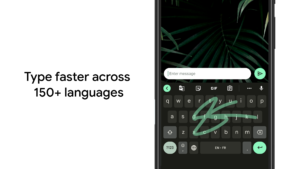
Glide Typing — Type faster by sliding your finger from letter to letter
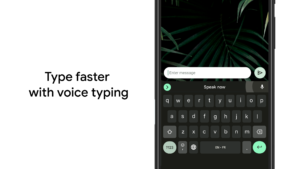
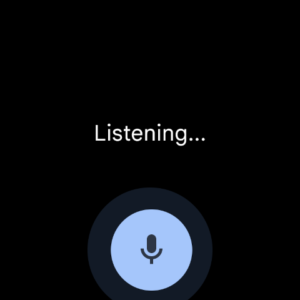
Voice typing — Easily dictate text on the go
Handwriting — Write in cursive and printed letters
Search and share — Press the G to search and share anything from Google
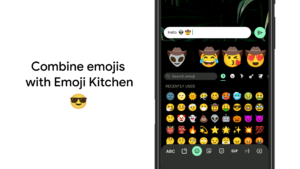
Emoji Search — Find that emoji, faster
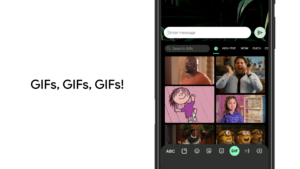
GIFs — Search and share GIFs for the perfect reaction.
Multilingual typing — No more switching between languages manually. Gboard will autocorrect and suggest from any of your enabled languages.
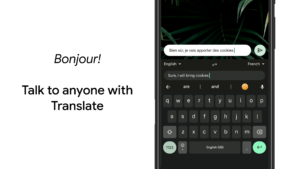
Google Translate — Translate as you type in the keyboard
Hundreds of language varieties, including:
Afrikaans, Amharic, Arabic, Assamese, Azerbaijani, Bavarian, Bengali, Bhojpuri, Burmese, Cebuano, Chhattisgarhi, Chinese (Mandarin, Cantonese, and others), Chittagonian, Czech, Deccan, Dutch, English, Filipino, French, German, Greek, Gujarati, Hausa, Hindi, Igbo, Indonesian, Italian, Japanese, Javanese, Kannada, Khmer, Korean, Kurdish, Magahi, Maithili, Malay, Malayalam, Marathi, Nepali, Northern Sotho, Odia, Pashto, Persian, Polish, Portuguese, Punjabi, Romanian, Russian, Saraiki, Sindhi, Sinhala, Somali, Southern Sotho, Spanish, Sundanese, Swahili, Tamil, Telugu, Thai, Tswana, Turkish, Ukrainian, Urdu, Uzbek, Vietnamese, Xhosa, Yoruba, Zulu, and many more! Visit goo.gl/fMQ85U for the full list of languages supported
Pro tips:
• Gesture cursor control: Slide your finger across the space bar to move the cursor
• Gesture delete: Slide left from the delete key to quickly delete multiple words
• Make the number row always available (enable in Settings → Preferences → Number Row)
• Symbols hints: Show quick hints on your keys to access symbols with a long press (enable in Settings → Preferences → Long press for symbols)
• One handed mode: On large screen phones, pin keyboard to the left or the right of the screen
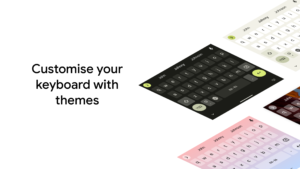
• Themes: Choose your own theme, with or without key borders
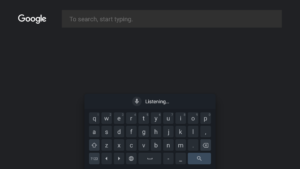
Gboard - the Google Keyboard 9.0.4.291247272 screenshots (17)
Screenshots from version 16.4.4.827411866
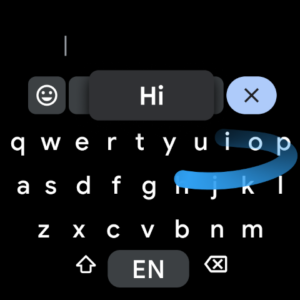
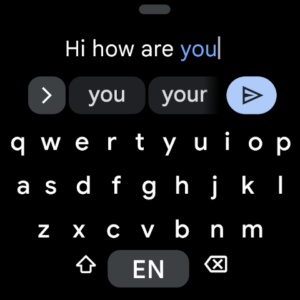
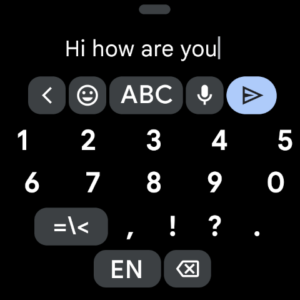
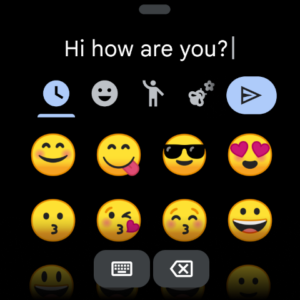
Download Gboard - the Google Keyboard 9.0.4.291247272
This release comes in several variants (we currently have 2). Consult our handy FAQ to see which download is right for you.
Known valid signatures: 3891 58e1.

Version:16.1.02.808050806
Uploaded:December 12, 2025 at 11:47PM UTC
File size:23.72 MB
Version:4.1.07.773081532
Uploaded:September 3, 2025 at 3:50PM UTC
File size:31.48 MB

Version:5.2.1.136797460
Uploaded:December 6, 2016 at 3:58AM UTC
File size:23.83 MB

Version:16.4.4.827411866
Uploaded:December 13, 2025 at 10:46PM UTC
File size:69.11 MB
Downloads:901
Version:16.5.2.838613058
Uploaded:December 13, 2025 at 10:46PM UTC
File size:62.76 MB
Downloads:1,264
Version:16.5.1.838613058
Uploaded:December 10, 2025 at 6:50AM UTC
File size:81.48 MB
Downloads:1,040
Version:16.3.5.821569955
Uploaded:November 22, 2025 at 9:14PM UTC
File size:69.17 MB
Downloads:3,472
Version:16.4.3.827411866
Uploaded:November 22, 2025 at 9:13PM UTC
File size:69.11 MB
Downloads:3,597
Version:16.3.6.821569955
Uploaded:November 12, 2025 at 3:09PM UTC
File size:69.17 MB
Downloads:2,010
Version:16.3.3.821569955
Uploaded:November 7, 2025 at 7:53AM UTC
File size:71.21 MB
Downloads:1,559
Version:16.3.4.821569955
Uploaded:November 7, 2025 at 7:53AM UTC
File size:81.69 MB
Downloads:215
Version:16.2.5.815623744
Uploaded:November 7, 2025 at 7:53AM UTC
File size:62.74 MB
Downloads:878
Version:16.2.8.815623744
Uploaded:November 4, 2025 at 1:02AM UTC
File size:62.74 MB
Downloads:2,124
Follow APK Mirror


