

 Premium
What's new in Google Photos 2.1.0.134852482
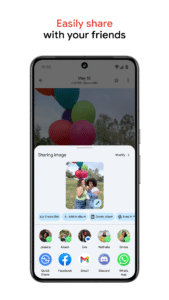
• Share photos faster: a new sharing experience lets you share to any contact, email, or phone number right from the app
• Sort photos in albums chronologically or by recently added
• Reorder multiple items in an album by selecting photos and dragging
• New shortcuts from the app icon on Android N
• Create animations offline
About Google Photos 2.1.0.134852482
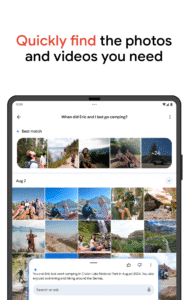
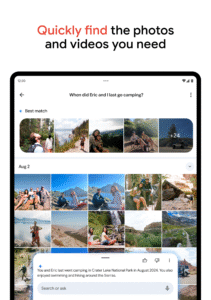
Google Photos is the home for all your photos and videos. Automatically organized and searchable, you can find photos fast and bring them to life. It’s the photo gallery that thinks like you do.
Premium
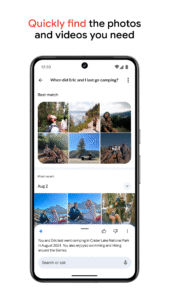
VISUAL SEARCH
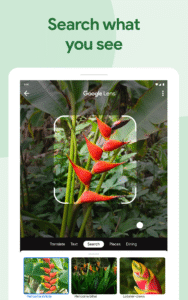
Your photos are now searchable by the places and things that appear in them. Looking for that fish taco you ate in Hawaii? Just search “food in Hawaii” to find it – no tagging required.
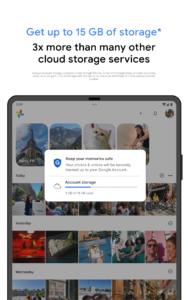
UNLIMITED FREE HIGH QUALITY STORAGE
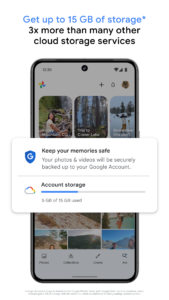
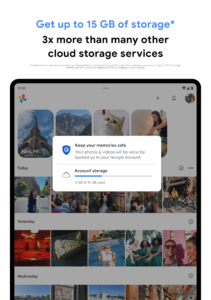
Automatically backup all your photos and videos. Access them on any device or on the web at photos.google.com. Your photos are safe, secure, and private to you.
FREE UP SPACE ON YOUR DEVICE
Never worry about running out of space on your phone again. In Settings, just tap “Free up device storage” – photos that are safely backed up will be removed from your device’s storage, but will still be available in Google Photos.
BRING PHOTOS TO LIFE
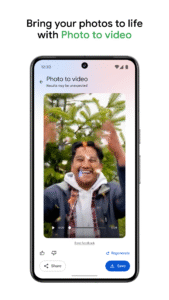
Enjoy automatically created montage movies, interactive stories, collages, animations, panoramas, and more from your photos. Or you can easily create them yourself – just tap +.
EASY EDITING
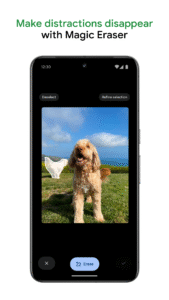
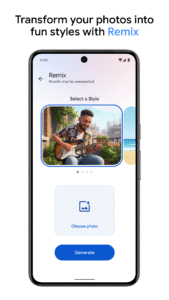
Transform photos with the tap of a finger. Use simple, yet powerful, photo and video editing tools to apply filters, adjust colors, and more.
SHARED ALBUMS
Get everyone’s photos and videos in one place, across Android, iOS, and the web. Privately sharing all the photos you took – and getting the ones you didn’t – has never been easier.
INSTANT SHARING
Instantly share up to 1,500 photos with anyone – no matter what device they’re on. In the share menu, just tap Create Link.
REDISCOVER YOUR PHOTOS
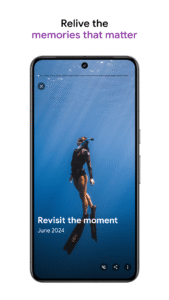
It’s easier than ever to relive your memories. The Assistant can create collages of your old photos that help you relive the past.
READY TO CAST
View your photos and videos on your TV with Chromecast support.
Follow us for the latest news and updates
Twitter: twitter.com/GooglePhotos
Google+: google.com/+GooglePhotos
Need help?
Visit support.google.com/photos
Face grouping is not available in all countries.

Download Google Photos 2.1.0.134852482
This release comes in several variants (we currently have 3). Consult our handy FAQ to see which download is right for you.
Known valid signatures: 24bb 4ba7.

Version:5.11.0.331822357
Uploaded:September 18, 2020 at 6:32PM UTC
File size:41.16 MB
Version:6.90.0.650072061-wear-release
Uploaded:September 28, 2024 at 7:04AM UTC
File size:5.11 MB

Version:7.96.0.996044120
Uploaded:October 9, 2026 at 3:19AM UTC
File size:67.44 MB
Downloads:799
Version:7.95.0.993819769
Uploaded:October 9, 2026 at 3:17AM UTC
File size:37.16 MB
Downloads:32
Version:7.95.0.993748671
Uploaded:October 7, 2026 at 2:00AM UTC
File size:69.30 MB
Downloads:945
Version:7.96.0.993165104
Uploaded:October 7, 2026 at 12:38AM UTC
File size:67.44 MB
Downloads:1,635
Version:7.95.0.989626323
Uploaded:October 5, 2026 at 6:26PM UTC
File size:67.34 MB
Downloads:6,146
Version:7.94.0.990335696
Uploaded:October 4, 2026 at 8:03AM UTC
File size:67.12 MB
Downloads:1,258
Version:7.94.0.988717361
Uploaded:September 29, 2026 at 9:40PM UTC
File size:67.12 MB
Downloads:1,112
Version:7.92.0.981913704
Uploaded:September 28, 2026 at 8:58PM UTC
File size:36.61 MB
Downloads:2,306
Version:7.94.0.984908898
Uploaded:September 28, 2026 at 8:58PM UTC
File size:67.13 MB
Downloads:3,009
Version:7.93.0.985454441
Uploaded:September 28, 2026 at 8:58PM UTC
File size:66.46 MB
Downloads:147
Follow APK Mirror


