

 Premium
What's new in YouTube Kids 1.33.8
We’ve added more information to help you better understand how the YouTube Kids app works. Please take a moment to launch the app and make sure to choose your settings!
About YouTube Kids 1.33.8
The official YouTube Kids app is designed for curious little minds. This is a delightfully simple (and free!) app, where kids can discover videos, channels and playlists they love.
Premium
We work hard to offer a safer YouTube experience, but no automated system is perfect. If you ever find a video you’re concerned about, please flag it. This helps make YouTube Kids better for everyone. For more important notes about the app, please see below.
DESIGNED FOR KIDS
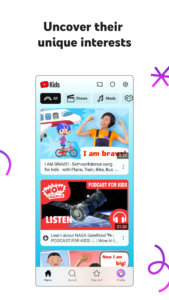
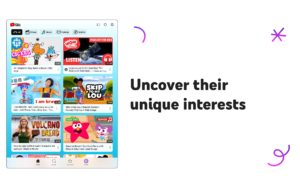
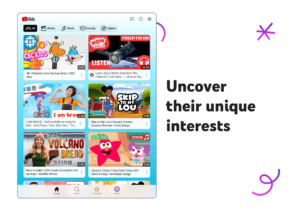
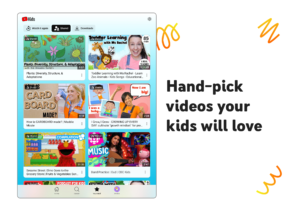
To make exploration easy, videos in the app are split into four categories: Shows, Music, Learning and Explore. We also took out the complicated stuff to make an app even little ones can navigate -- that means big buttons, easy scrolling, and instant full-screen. And when the whole family wants to enjoy their favorite videos together, everyone can watch on the big screen with Chromecast, Apple TV, game consoles, or smart TVs.
VIDEOS KIDS WILL LOVE
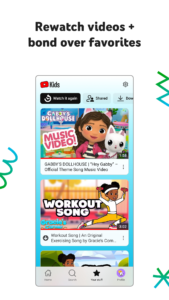
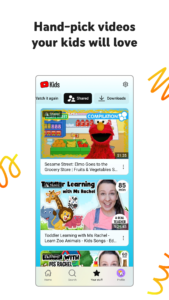
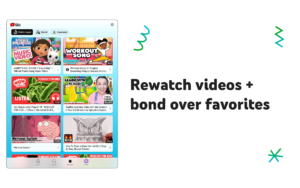
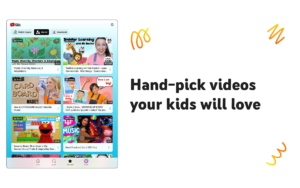
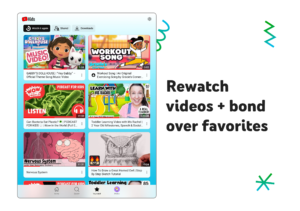
Kids can enjoy favorites like Sesame Street, Thomas & Friends and Talking Tom, online hits like Mother Goose Club, TuTiTu and Stampylonghead, plus anything else they’re into -- sports, animals, gaming, crafts and more.
GROWN-UPS ARE IN CONTROL
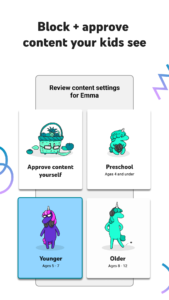
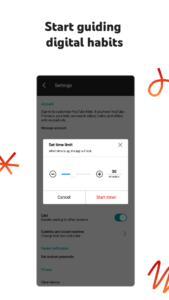
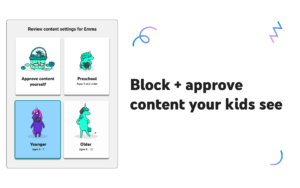
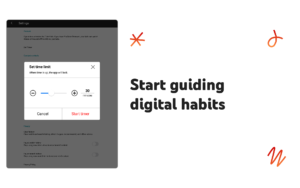
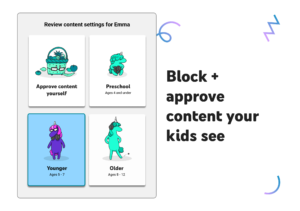
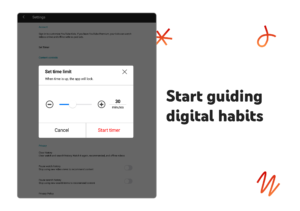
We know that every family is different, so we’ve included features that let grown-ups tailor the YouTube Kids experience to their family’s needs. Settings are found behind a grown-ups-only lock where you can turn off search for a more restricted experience or set a built-in timer to let kids know when it’s time to stop watching so you don’t have to.
For more information about the app and settings, please read our Parental Guide.
IMPORTANT NOTES ABOUT THE APP
Parental setup is needed to ensure the best experience possible for your child.
YouTube Kids contains paid ads in order to offer the app for free. Your child may also see videos with commercial content from YouTube creators that are not paid ads. For more information, please check out our Parental Guide.
Videos in the app are selected by our automated systems. Please note, no system is perfect, and it’s possible that your child may find something you don’t want them to watch. If your child finds a video that you feel is inappropriate, please flag the video and it will be reviewed as soon as possible.
You can restrict your child’s experience by turning search off in the set-up flow or by accessing the settings behind the grown-ups-only lock. This means your child can’t search for content, which reduces the chances that they will encounter a video you don’t want them to watch.
Whether search is on or off, the app will recommend videos selected by our automated systems from the broad set of videos accessible in YouTube Kids.
YouTube Kids 1.33.8 Play Store trailer
Download YouTube Kids 1.33.8
This release may come in several variants. Consult our handy FAQ to see which download is right for you.
Known valid signatures: 24bb 4ba7.

Version:11.39.520
Uploaded:October 1, 2026 at 6:13PM UTC
File size:27.95 MB
Downloads:123
Version:11.37.543
Uploaded:September 26, 2026 at 6:06AM UTC
File size:27.76 MB
Downloads:157
Version:11.38.481
Uploaded:September 26, 2026 at 6:06AM UTC
File size:27.89 MB
Downloads:140
Version:11.37.542
Uploaded:September 26, 2026 at 6:06AM UTC
File size:27.76 MB
Downloads:19
Version:11.36.544
Uploaded:September 26, 2026 at 6:06AM UTC
File size:27.68 MB
Downloads:27
Version:11.36.541
Uploaded:September 12, 2026 at 12:59AM UTC
File size:27.68 MB
Downloads:492
Version:11.35.540
Uploaded:September 4, 2026 at 9:11AM UTC
File size:27.62 MB
Downloads:385
Version:11.34.540
Uploaded:August 25, 2026 at 7:36PM UTC
File size:27.53 MB
Downloads:513
Version:11.33.542
Uploaded:August 25, 2026 at 7:36PM UTC
File size:27.44 MB
Downloads:51
Version:11.32.521
Uploaded:August 25, 2026 at 7:35PM UTC
File size:27.42 MB
Downloads:62
Follow APK Mirror


