

 Premium
About Iriun 4K Webcam for PC and Mac 2.9.1
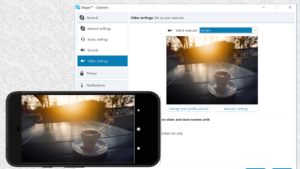
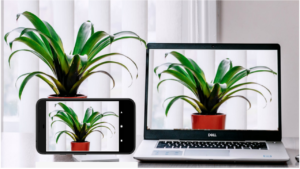
Use your Android phone's camera as a wireless webcam in PC or Mac. Install needed drivers and use your phone with Teams, Zoom, OBS etc video applications.
Premium
Installing drivers for the computer:
Please make sure to download the needed drivers for your PC from https://iriun.com
Using webcam:
1. Launch Iriun Webcam app on your phone
2. Start Iriun Webcam Server on your PC
3. The phone is connected automatically to your PC using wireless WiFi network and the camera is ready to use.
4. Configure your desktop application to use Iriun Webcam as source for audio and video
Features:
- Works with screen off
- Connects with WiFi or USB.
- Supports resolutions up to 4K. (Max resolution depends on the phone model)
- Pinch zoom
- Mirroring
Pro version features:
• No watermark
• Manually adjust ISO, exposure and white balance
• Remotely control camera from the Desktop too
• No Ads
 Premium

Version:2.9.1
Uploaded:January 8, 2026 at 12:15PM UTC
File size:7.3 MB
Downloads:82
Version:2.8.12
Uploaded:March 20, 2025 at 8:20PM UTC
File size:6.8 MB
Downloads:1,819
Version:2.8.10
Uploaded:October 25, 2024 at 10:05AM UTC
File size:6.74 MB
Downloads:1,535
Version:2.8.9
Uploaded:August 14, 2024 at 12:15PM UTC
File size:6.73 MB
Downloads:1,074
Version:2.8.8
Uploaded:March 11, 2024 at 12:03PM UTC
File size:6.56 MB
Downloads:1,572
Version:2.8.5
Uploaded:January 23, 2024 at 5:04PM UTC
File size:6.54 MB
Downloads:1,120
Version:2.8.2
Uploaded:December 24, 2023 at 1:06PM UTC
File size:5.08 MB
Downloads:277
Version:2.8
Uploaded:October 13, 2023 at 9:45PM UTC
File size:4.86 MB
Downloads:395


