

 Premium
What's new in LG ThinQ 3.5.1521
■ Learn how to make use of your products via "Take a Tour" (Menu>Customer Support>Take a Tour).
■ You can enjoy your mobile content in your smartphone gallery on a TV screen and vice versa.
■ By connecting a virtual keyboard to your TV, you can easily type texts when using the TV Search feature.
■ You can use the W.W.W. (Who Where What) feature of your TV on the LG ThinQ app.
■ The Turn on via Wi-Fi feature has been updated.
※ These features may not be available depending on the model.
About LG ThinQ 3.5.1521
[Major Features]
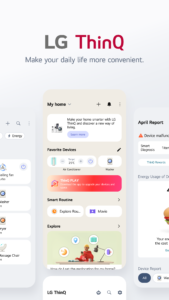
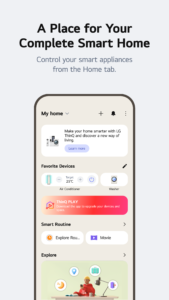
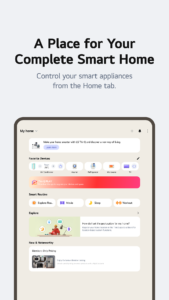
■ Build the kind of connected home you always wanted with ThinQ
The first thing to do on the all new ThinQ is to set up your home. Start by giving your home a name and choosing a wallpaper. Invite members so that your whole family can share and control the products of your home together.
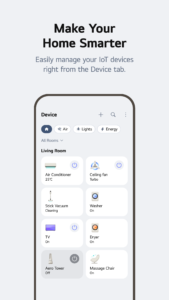
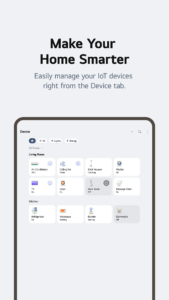
■ Place appliances where you want
What’s a house with no rooms? Arrange your electronic appliances just the way you want in your rooms, living room, etc., and control them conveniently.
■ Pick and choose the alerts you want
The Notification board now shows product and service related alerts on separate screens, so you can choose which alerts to receive.
■ Frequently used features are now more secure
Security improvements have been made to features such as remote controlling, Smart Diagnosis, purchasing supplies, etc. Try them out now.
[Android OS Requirements]
- The ThinQ app supports Android OS 5.0 and higher. Smartphones using Android OS version 4.4 or lower must update their OS in order to use the latest version of the app.
[Access Permissions]
The following access permissions are necessary for the ThinQ app to provide service. Optional permissions are not required to use the app but restrictions to certain features may apply.
■ Required Permissions
- Outgoing Calls: To access related app settings such as language and region and contact the LG Service Center after smart diagnosing devices
- Location: To obtain the device connecting SSID & Wi-Fi info when adding devices and search for weather info, current location, etc. To obtain and use location information when using the automation feature (optional)
■ Optional Permissions
- Photos, Media & Files: To check the storage capacity of your smartphone for downloading the software of devices to add. Certain devices may also send and save images on your smartphone.
- Contacts: To verify user information when signing in to the app
- Camera: To scan QR codes
- Mic: Needed when using the smart diagnosis feature
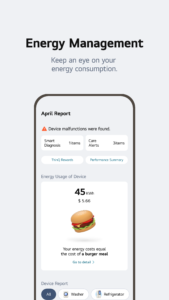
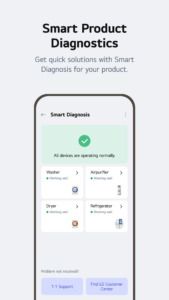
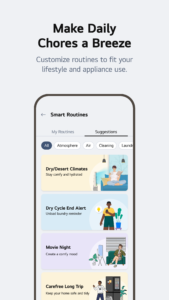
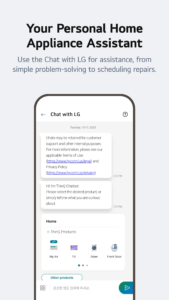
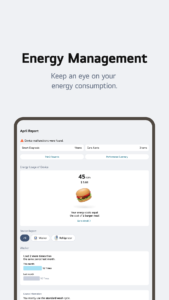
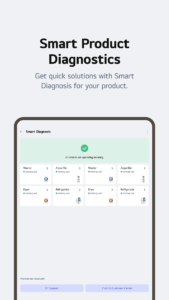
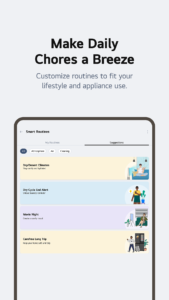
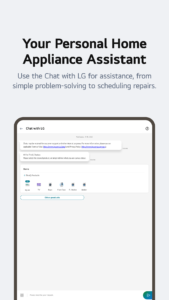
Download LG ThinQ 3.5.1521
This release may come in several variants. Consult our handy FAQ to see which download is right for you.
Known valid signatures: f003 69ba.

Version:5.2.14330
Uploaded:October 28, 2026 at 3:40AM UTC
File size:9.48 MB
Version:5.2.14330
Uploaded:October 28, 2026 at 1:31AM UTC
File size:221.50 MB
Downloads:5
Version:5.2.12500
Uploaded:September 23, 2026 at 12:48AM UTC
File size:237.44 MB
Downloads:255
Version:5.2.12420
Uploaded:September 9, 2026 at 12:26AM UTC
File size:237.46 MB
Downloads:57
Version:5.2.10582
Uploaded:September 3, 2026 at 12:08AM UTC
File size:239.45 MB
Downloads:54
Version:5.2.10581
Uploaded:August 26, 2026 at 12:51AM UTC
File size:239.45 MB
Downloads:62
Version:5.1.32310
Uploaded:June 1, 2026 at 7:20AM UTC
File size:219.56 MB
Downloads:324
Version:5.1.30400
Uploaded:April 27, 2026 at 12:26AM UTC
File size:218.80 MB
Downloads:171
Version:5.1.30310
Uploaded:April 16, 2026 at 1:09AM UTC
File size:218.80 MB
Downloads:81
Version:5.1.28210
Uploaded:March 13, 2026 at 1:03AM UTC
File size:213.17 MB
Downloads:169
Version:5.1.26410
Uploaded:February 13, 2026 at 1:44AM UTC
File size:212.79 MB
Downloads:125
Follow APK Mirror


