

 Premium
What's new in LG ThinQ 4.1.10130
Bug fixes and performance improvements made.
DISCOVER, PLAN, SHOP, AND COOK thousands of recipes from our awesome creators.
You can control your TV more easily on the app.
About LG ThinQ 4.1.10130
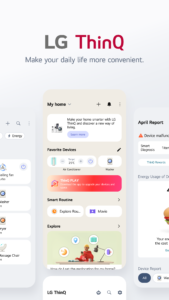
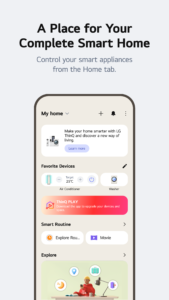
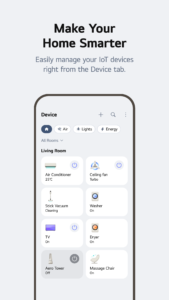
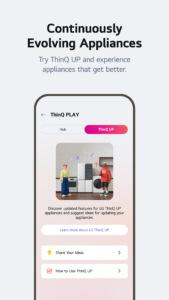
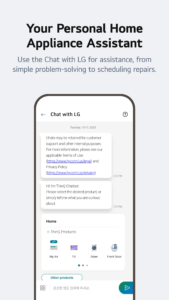
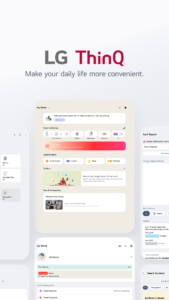
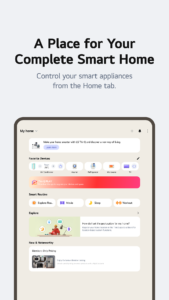
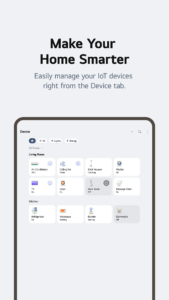
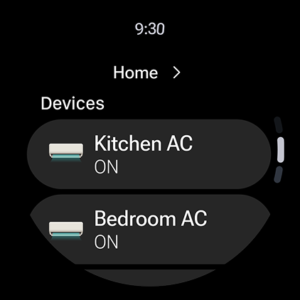
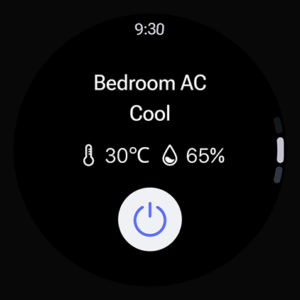
Connect your washer, air conditioner, TV, and other appliances to the ThinQ app.
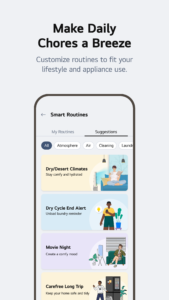
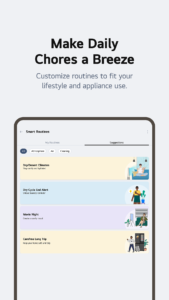
Get away from the busy routine and enjoy a relaxing home life with smart ThinQ. ☕
Premium
■ Get immediate notifications
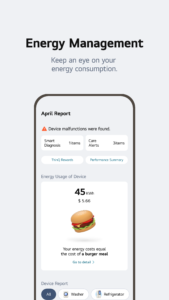
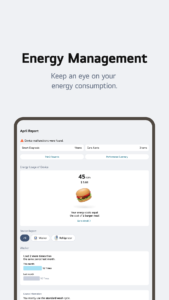
The ThinQ app will keep you informed with all notifications you need so that your laundry will not smell musty or your pizza in the oven will not get overcooked. ThinQ will periodically diagnose the state of your products by itself.
■ Control your home from anywhere
You can check the indoor temperature of your house and turn on your air conditioner even while you are out. You can also remotely run your washer from outside and proceed with the drying process right after coming back home.
■ TV remote control in my smartphone
Change TV channels and adjust the sounds with the ThinQ app. You can enjoy your mobile content in your smartphone gallery on a TV screen. You can also use the Magic Remote feature with your app.
※ The availability of products and services may vary depending on the models you own or the region/country you reside in.
■ ThinQ will automatically access the current state of your products
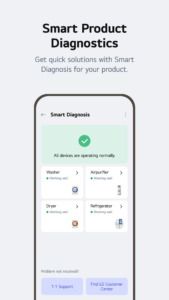
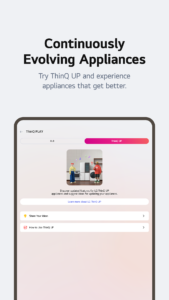
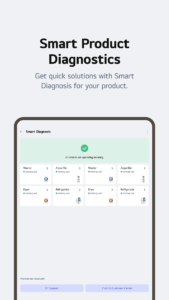
Get the state of your products smartly assessed in detail. Smart Diagnosis will catch problems and help you troubleshoot them.
The LG ThinQ app supports Android OS 7.0 and higher versions.
For Android OS versions lower than 7.0, consult the mobile device manufacturer and upgrade your device to its latest version.
The following access permissions are necessary for the ThinQ app.
• Calls/Contacts
- To contact the LG Service Center
• Location
- To obtain the device connecting Wi-Fi info when adding devices
- To set and save the home location in Manage Home
- To search for the weather information of the current location
• Camera
- To take a profile picture
- To scan QR codes and share homes or accounts
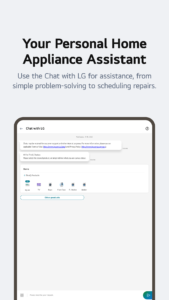
- To take photos and attach them to the 1:1 Support section
- To take a picture of the purchase receipt and save it when registering additional information about the product
- To recognize barcodes when using "Scan to Cook"
• Storage capacity
- To take photos and attach them to the 1:1 Support section
- To take a picture of the purchase receipt and save it when registering additional information about the product
• Microphone
- To check product status via Smart Diagnosis
Download LG ThinQ 4.1.10130
This release may come in several variants. Consult our handy FAQ to see which download is right for you.
Known valid signatures: f003 69ba.

Version:5.2.14330
Uploaded:October 28, 2026 at 3:40AM UTC
File size:9.48 MB
Version:5.2.14330
Uploaded:October 28, 2026 at 1:31AM UTC
File size:221.50 MB
Downloads:5
Version:5.2.12500
Uploaded:September 23, 2026 at 12:48AM UTC
File size:237.44 MB
Downloads:255
Version:5.2.12420
Uploaded:September 9, 2026 at 12:26AM UTC
File size:237.46 MB
Downloads:57
Version:5.2.10582
Uploaded:September 3, 2026 at 12:08AM UTC
File size:239.45 MB
Downloads:54
Version:5.2.10581
Uploaded:August 26, 2026 at 12:51AM UTC
File size:239.45 MB
Downloads:62
Version:5.1.32310
Uploaded:June 1, 2026 at 7:20AM UTC
File size:219.56 MB
Downloads:324
Version:5.1.30400
Uploaded:April 27, 2026 at 12:26AM UTC
File size:218.80 MB
Downloads:171
Version:5.1.30310
Uploaded:April 16, 2026 at 1:09AM UTC
File size:218.80 MB
Downloads:81
Version:5.1.28210
Uploaded:March 13, 2026 at 1:03AM UTC
File size:213.17 MB
Downloads:169
Version:5.1.26410
Uploaded:February 13, 2026 at 1:44AM UTC
File size:212.79 MB
Downloads:125
Follow APK Mirror


