

 Premium
What's new in Nova Launcher: Home Screen 7.0.58
Fixes crash on Android 14 QPR2
Other minor fixes
Check out the new features we're building in the beta at novalauncher.com/beta
And on Discord at discord.gg/novalauncher
About Nova Launcher: Home Screen 7.0.58
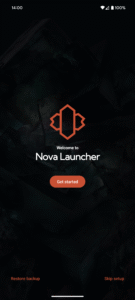
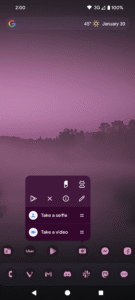
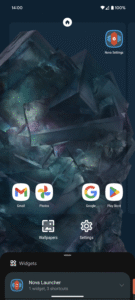
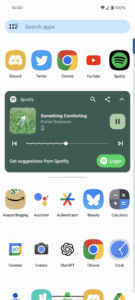
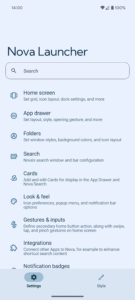
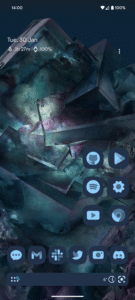
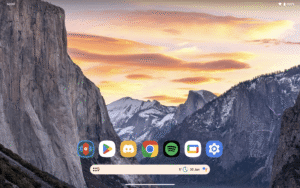
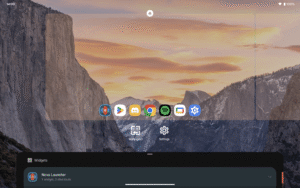
Nova Launcher is a powerful, customizable, and versatile home screen replacement. Nova brings advanced features to enhance your home screens, but still remains a great, user-friendly choice for everyone. Whether you want to completely overhaul your home screens or are looking for a cleaner, faster home launcher, Nova is the answer.
• The Newest Features: Nova brings the latest Android launcher features to all other phones.
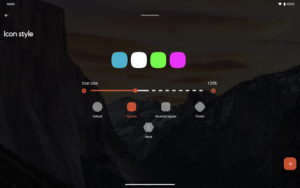
• Custom Icon Themes: Nova supports thousands of icon themes available in the Play Store.
• Night Mode and Dark Theme: Have night mode come on automatically at a specific time, or just leave it on for a dark theme.
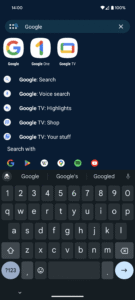
• Customizable App Drawer: Vertical or horizontal scroll, page effects, and card or immersive options are just a few of the things you’ll find available for the app drawer.
• Subgrid Positioning: With the ability to snap icons and widgets in between grid cells, it’s easy to get a precise feel and layout with Nova in a way that’s impossible with most other launchers.
• Backup and Restore: Moving from phone to phone or trying new home screen setups is a snap thanks to Nova’s backup and restore feature. Backups can be stored locally or saved to the cloud for easy transfers.
• Speed: Nova is highly optimized, with smooth and snappy animations that will even older phones a fast and fluid feel.
Do more with Nova Launcher Prime
Unlock Nova Launcher’s full potential with Nova Launcher Prime:
• Gestures: Swipe, pinch, double tap, and more on the home screen to execute custom commands.
• App Drawer Groups: Create custom tabs or folders in the app drawer for an ultra-organized feel.
• Hide Apps: Remove apps from the app drawer without uninstalling them.
• Custom Icon Swipe Gestures: Assign swipe gestures to home screen icons or folders for custom actions.
• …and more. More scrolling effects, unread counts, and others.
This app uses the AccessibilityService permission for optional support of making certain system functions more accessible, such as with desktop gestures. For example screen off or opening the Recents screen. Nova will automatically prompt you to enable this if it is necessary for your configuration, for many cases it is not! No data is collected from the AccessibilityService, it is merely used to invoke system actions.
This app uses the Device Administrator permission for optional screen off/lock functionality.
Download Nova Launcher: Home Screen 7.0.58
This release may come in several variants. Consult our handy FAQ to see which download is right for you.

Version:88300 (8.8.3)
Uploaded:July 4, 2026 at 7:01PM UTC
File size:35.03 MB
Downloads:270
Version:88000 (8.8.0)
Uploaded:June 26, 2026 at 7:00AM UTC
File size:34.85 MB
Downloads:678
Version:87900 (8.7.9)
Uploaded:June 5, 2026 at 6:44AM UTC
File size:34.85 MB
Downloads:1,776
Version:87800 (8.7.8)
Uploaded:May 21, 2026 at 6:53PM UTC
File size:34.76 MB
Downloads:1,614
Version:87700 (8.7.7)
Uploaded:May 17, 2026 at 10:41PM UTC
File size:30.33 MB
Downloads:797
Version:87600 (8.7.6)
Uploaded:May 14, 2026 at 6:37AM UTC
File size:30.33 MB
Downloads:453
Version:87500 (8.7.5)
Uploaded:May 9, 2026 at 7:10PM UTC
File size:30.44 MB
Downloads:733
Version:87300 (8.7.3)
Uploaded:May 3, 2026 at 5:06PM UTC
File size:30.35 MB
Downloads:664
Version:87200 (8.7.2)
Uploaded:May 2, 2026 at 10:45PM UTC
File size:30.37 MB
Downloads:370
Version:87100 (8.7.1)
Uploaded:April 25, 2026 at 5:56AM UTC
File size:30.14 MB
Downloads:720
Follow APK Mirror


