

 Premium
About Verizon Cloud 22.8.13
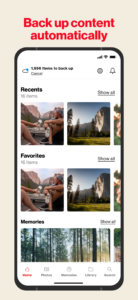
Verizon Cloud gives you space for your digital world, so you can easily backup and access your photos, videos and documents securely and privately. Keep your content handy on your mobile devices, access it when you need it from your smartphone/tablet and computer and easily transfer content when changing devices.*
The Verizon Cloud app lets you:
Enjoy unlimited storage across unlimited compatible devices (with our Unlimited plan).*
Share your content easily with family and friends using your favorite apps.
Share personal storage with up to 5 users on compatible devices (with our unlimited or 2TB plan).
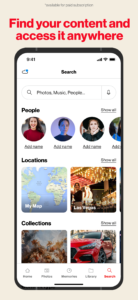
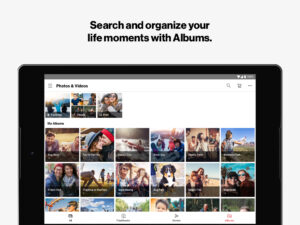
Organize and find your photos by labeling friends and family using Tag and Search.
View and interact with photos/videos on a geographical map with Locations.
Order prints and gifts displaying your favorite photos.
Share your content freely across compatible devices, regardless of which operating system they use.
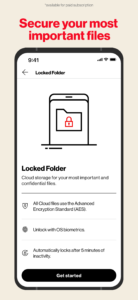
Safeguard sensitive content with a PIN-protected private folder.
Cast to your TV, so you can share your pictures, videos and music on the big screen.
Create movies and customize photos with filters and fun stickers to share.
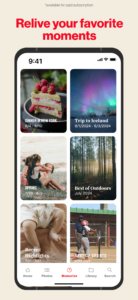
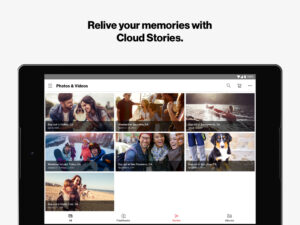
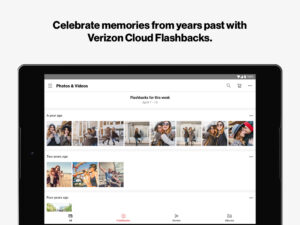
Relive your memories with weekly photo and video Flashbacks and Stories.
Back up the original sizes of your photos, videos (with no degradation in quality), music, documents and sync your contacts, SMS messages and call logs.
Download Verizon Cloud today and make the most of your digital memories.
What's New in Version 22.7
Improved performance and bug fixes
Available Plan options: 600GB (single user), 2TB and Unlimited (up to 5 users)
Sign up today and your first 30 days are on us.**
*Verizon Cloud does not back up operating systems, settings, apps, emails, external drives and uncommon file types. Backup varies by operating platform. See www.verizon.com/support/verizon-cloud-faqs for service limitations. To view complete Terms and Conditions go to www.verizonwireless.com/support/cloud-legal/
** First 30 days free for new Cloud customers. Thereafter, you will be charged $19.99/mo. for Verizon Cloud Unlimited, $14.99/mo. for 2TB or $5.99/mo. for 600 GB (plus taxes and Verizon surcharges), respectively, unless you cancel before the promo period ends. Cancel anytime through the Verizon Cloud app or My Verizon.
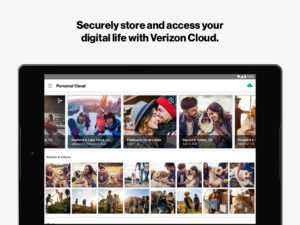
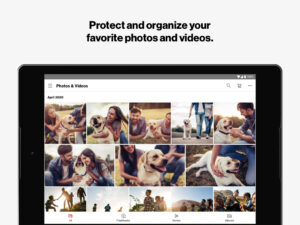
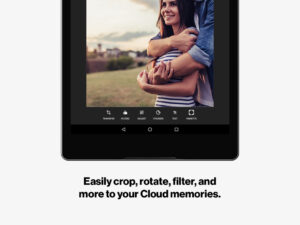
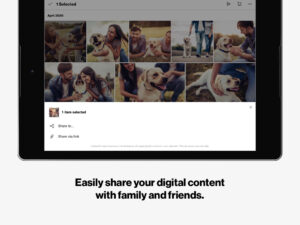
Verizon Cloud 22.8.13 Play Store trailer
Download Verizon Cloud 22.8.13
This release may come in several variants. Consult our handy FAQ to see which download is right for you.
Known valid signatures: 9cf7 3897.

Version:26.10.10
Uploaded:October 5, 2026 at 3:19PM UTC
File size:60.45 MB
Downloads:6
Version:26.9.13
Uploaded:September 9, 2026 at 7:01AM UTC
File size:59.50 MB
Downloads:7
Version:26.7.12
Uploaded:July 30, 2026 at 2:47PM UTC
File size:47.24 MB
Downloads:8
Version:26.7.10
Uploaded:July 14, 2026 at 3:27PM UTC
File size:47.23 MB
Downloads:12
Version:26.6.9
Uploaded:June 8, 2026 at 3:19PM UTC
File size:47.35 MB
Downloads:7
Version:26.5.10
Uploaded:May 27, 2026 at 1:24AM UTC
File size:47.08 MB
Downloads:3

Version:24.7.10
Uploaded:July 9, 2024 at 3:14PM UTC
File size:58.24 MB
Downloads:149
Version:24.6.12
Uploaded:June 14, 2024 at 2:14PM UTC
File size:59.79 MB
Downloads:14
Version:24.6.11
Uploaded:June 10, 2024 at 2:58PM UTC
File size:59.79 MB
Downloads:13
Version:24.5.17
Uploaded:May 16, 2024 at 4:14PM UTC
File size:59.30 MB
Downloads:17
Follow APK Mirror


