

A lightweight, privacy focused Android firewall application that blocks network connections for selected apps without requiring root access or VPN. ShizuWall leverages Shizuku to provide powerful network control capabilities. Requires Android 11 (API 30) or higher.
AdvertisementRemove ads, dark theme, and more with  Premium
Premium
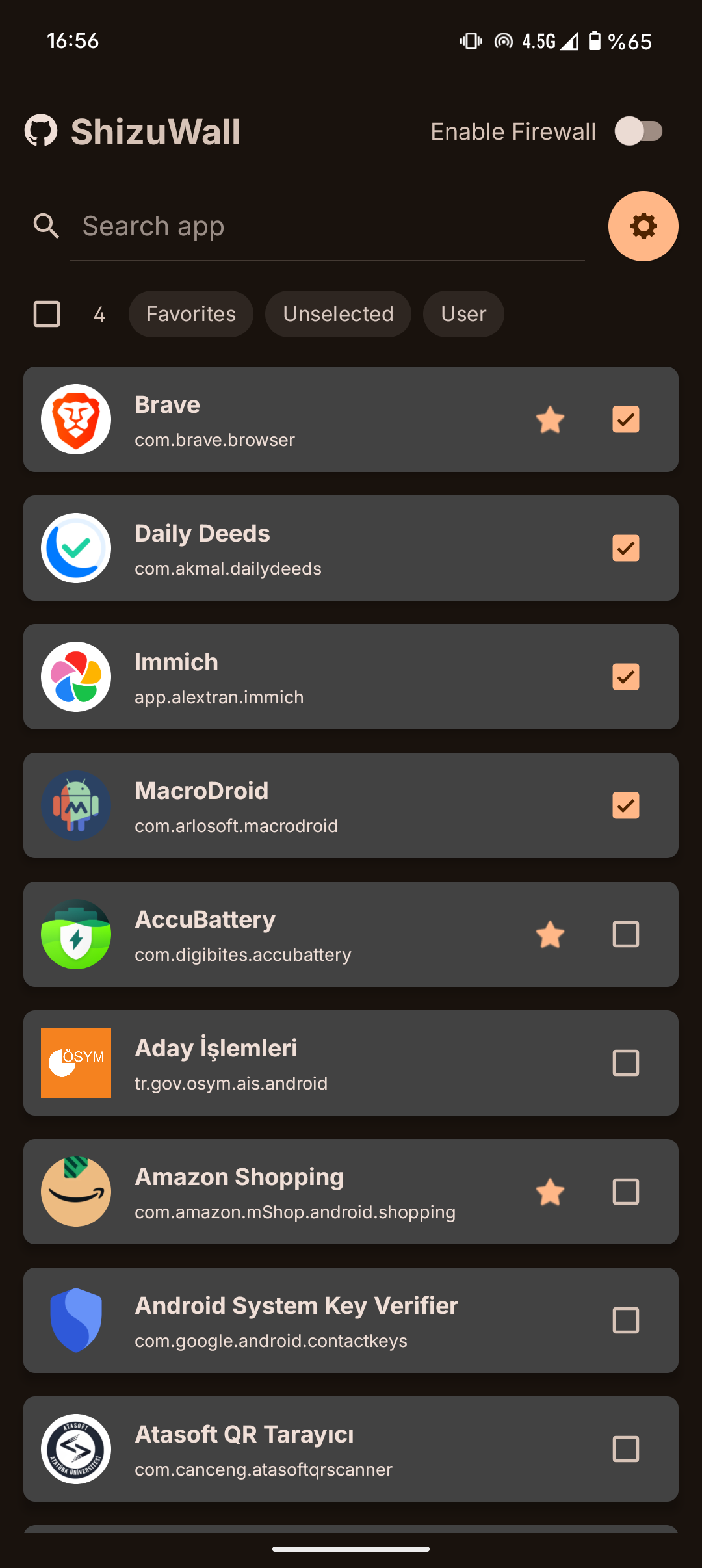
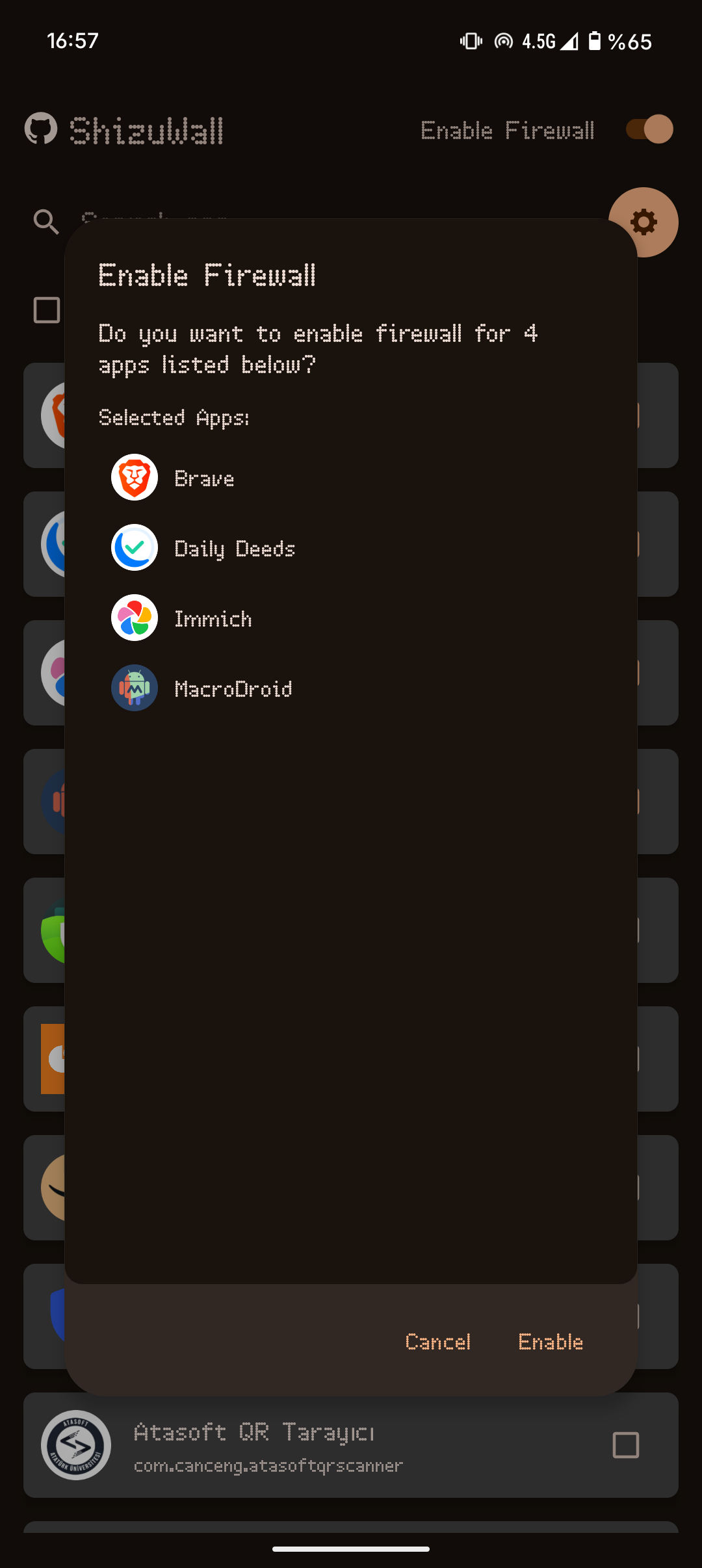
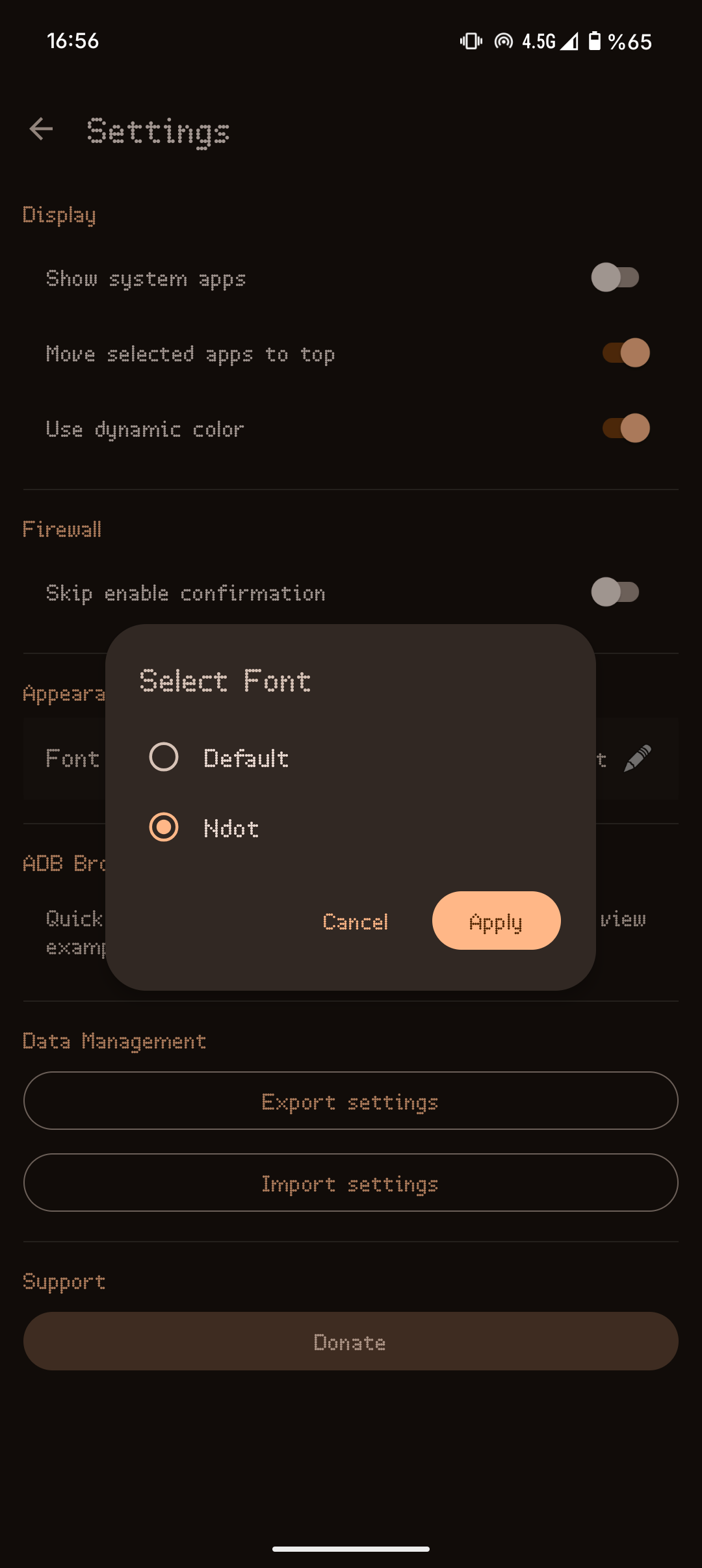

- Shizuku-Only Approach: Most Android firewalls require either Root access or a VPN service. ShizuWall uses only Shizuku, providing native system-level control without the common VPN drawbacks.
- Per-app System Networking Control: Uses Android's
connectivityservice (chain-3) via Shizuku to enable/disable networking on a per-app basis — no packet interception, no VPN tunnel. - Privacy-first Design: The app is offline-first and does not phone home. There is no analytics, no tracking and no telemetry.
- Firewall rules are applied using platform commands and are automatically cleared on device reboot (Android security limitation).
- The app detects reboots using a boot-relative timestamp and automatically clears stale saved state so you won't be left with stale "enabled" flags after reboot.
- By default only user-installed apps are shown. Use the overflow menu (three dots, top-right) to "Show system apps" if you need to include system apps for selection.
- If anything goes wrong, rebooting the device will revert every change made by ShizuWall.
- The app persists minimal preferences locally (selected apps, enabled flag) and stores a small boot-relative timestamp in device-protected storage so the app can detect reboots safely without exposing data.
- No network calls from the app itself — it does not send any data to external services and has no internet access.
(what the app runs via Shizuku)
<div class="highlight highlight-source-shell notranslate position-relative overflow-auto" dir="auto" data-snippet-clipboard-copy-content="# Enable firewall framework
cmd connectivity set-chain3-enabled true
# Block specific app
cmd connectivity set-package-networking-enabled false
# Unblock specific app
cmd connectivity set-package-networking-enabled true
# Disable firewall framework
cmd connectivity set-chain3-enabled false">
# Enable firewall framework cmd connectivity set-chain3-enabled true # Block specific app cmd connectivity set-package-networking-enabled false <package.name> # Unblock specific app cmd connectivity set-package-networking-enabled true <package.name> # Disable firewall framework cmd connectivity set-chain3-enabled false


