

 Premium
What's new in AnyViewer Remote Desktop 4.3.0
Added: A shortcut to open Task Manager during remote sessions;
Fixed issue: The virtual mouse pointer can now move accurately to the edges of the screen;
Enhanced: Multiple UI details for a better user experience.
About AnyViewer Remote Desktop 4.3.0
AnyViewer is a free remote desktop app for Android that lets you remotely access and control Windows PCs and Macs from anywhere.
Premium
Whether you need remote work access, remote IT support, file transfer, screen sharing, or a second screen for your computer, AnyViewer makes remote connection simple, secure, and fast.
No ads. No time limits. No complicated setup.
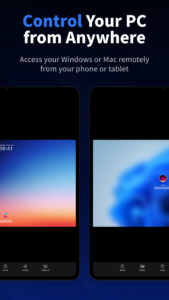
Remote Access Your PC or Mac from Anywhere
Forgot important files on your office computer? Need to access work software while traveling? Want to use your home computer remotely from your phone or tablet?
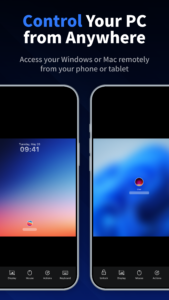
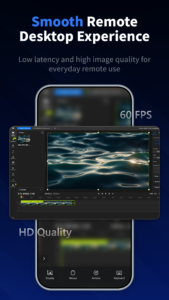
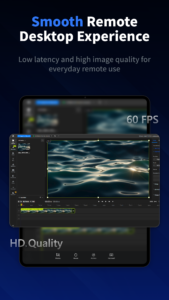
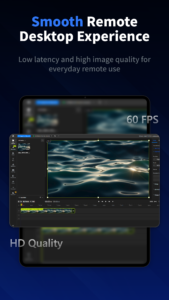
AnyViewer allows you to remotely control your Windows PC or Mac directly from your Android device with smooth operation, low latency, and high image quality.
You can:
• Access remote desktops anytime
• Control your computer from your phone or tablet
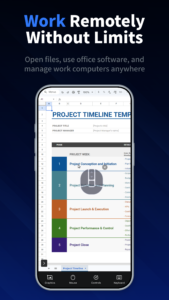
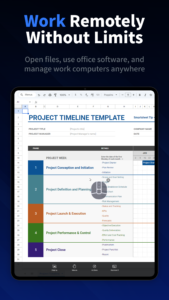
• Open documents and applications remotely
• Manage remote devices while away from home or office
• Work remotely with stable and secure connections
Perfect for remote work, business trips, remote office access, and personal use.
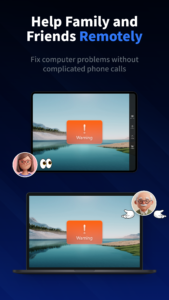
Remote Support for Family and Friends
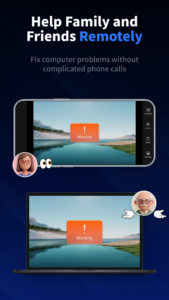
Helping family or friends solve computer problems over phone calls can be difficult.
With AnyViewer remote support, you can remotely view and control another device to help with:
• Software installation
• System settings
• Technical troubleshooting
• Computer maintenance
• Remote assistance for parents or friends
Easy connection steps make remote support simple even for non-technical users.
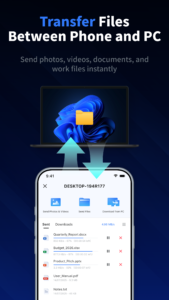
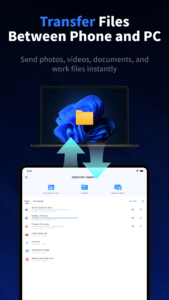
Fast File Transfer Between Mobile and PC
Transfer files between Android devices and Windows computers quickly without cables or third-party cloud storage.
You can send:
• Photos
• Videos
• Documents
• Installation packages
• Work files
Anytime and anywhere.
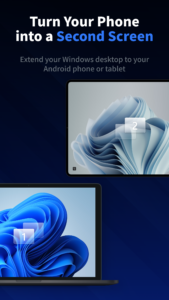
Turn Your Phone or Tablet into a Second Monitor
Need more screen space?
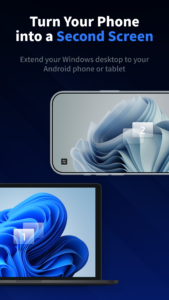
AnyViewer lets you use your Android phone or tablet as a second screen for your Windows computer.
Extend your desktop for:
• Multitasking
• Remote office work
• Presentations
• Document viewing
• Chat windows and tool panels
A convenient portable dual-screen solution without extra monitors.
Screen Mirroring and Remote Display
AnyViewer supports screen mirroring between Windows devices and mobile devices.
You can:
• Mirror your PC screen to your phone or tablet
• Use your mobile device as an external display
• View presentations remotely
• Monitor screens from anywhere
Useful for meetings, online classes, remote demonstrations, and presentations.
Free, Secure, and Easy to Use
AnyViewer mobile is completely free with:
• No ads
• No session limits
• No feature restrictions
Security and privacy are protected with ECC end-to-end encryption during remote sessions.
Designed for secure remote access, remote control, remote support, and remote desktop management.
Accessibility Service Notice
This app uses Accessibility Services only for the feature of receiving remote control assistance.
AnyViewer does not collect or share personal accessibility data.
 Premium

Version:4.3.0
Uploaded:July 9, 2026 at 8:13AM UTC
File size:33.89 MB
Downloads:33
Version:4.2.0
Uploaded:May 22, 2026 at 7:23AM UTC
File size:33.81 MB
Downloads:30
Version:4.1.0
Uploaded:March 12, 2026 at 7:04AM UTC
File size:32.91 MB
Downloads:59
Version:4.0.0
Uploaded:January 7, 2026 at 6:52AM UTC
File size:32.18 MB
Downloads:59
Version:3.6.0
Uploaded:October 28, 2025 at 2:47AM UTC
File size:30.87 MB
Downloads:89
Version:3.5.1
Uploaded:August 26, 2025 at 2:32AM UTC
File size:30.60 MB
Downloads:72
Version:3.5.0
Uploaded:May 23, 2025 at 1:54AM UTC
File size:30.60 MB
Downloads:120
Version:3.4.0
Uploaded:April 6, 2025 at 9:50PM UTC
File size:29.13 MB
Downloads:420


