

 Premium
What's new in Reminders 3.4.5
What's new:
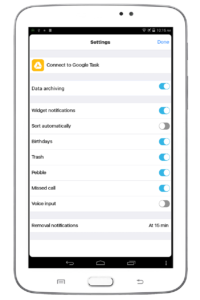
• Suggestions while entering reminders — frequently used items from the current list are suggested. Can be disabled in settings.
• System theme — automatically follows light/dark system mode.
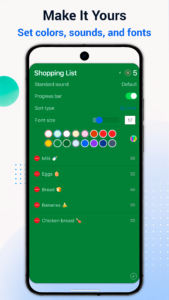
• Automatic completion reset — completed reminders become active again after a set time. Useful for shopping, workouts and recurring checklists. Enabled in list settings.
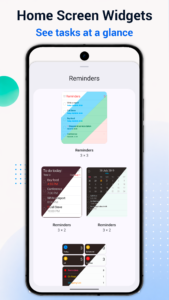
• Widget font size now follows the app font size.
Plus bug fixes and minor improvements.
About Reminders 3.4.5
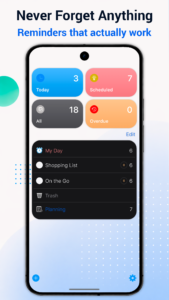
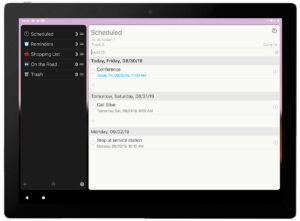
Сreate reminders in seconds, manage daily tasks, plan shopping lists, remember birthdays, and follow up on missed calls — all without a cluttered interface.
Premium
Why people use Reminders:
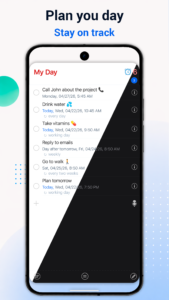
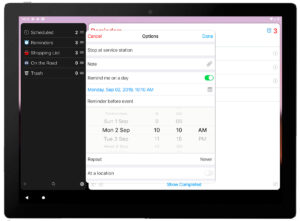
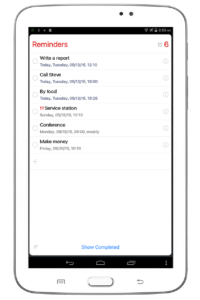
Quick, one-tap reminder entry
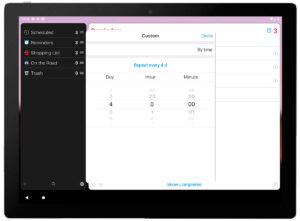
Recurring reminders for daily and weekly routines
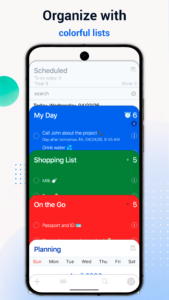
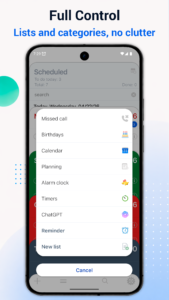
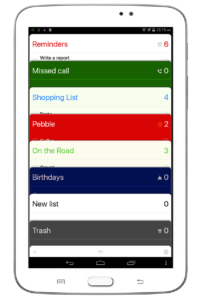
Separate lists for tasks, shopping, birthdays, missed calls, and more
Voice input for faster capture
Search, move, and delete reminders in just a few taps
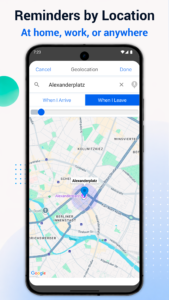
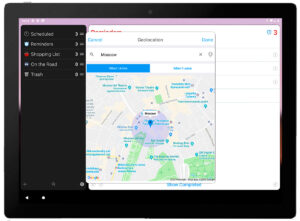
Location-based reminders
Clean, simple interface with minimal steps
Built for everyday use:
Fast and easy to learn
Designed for quick actions, not complex setup
Works offline for core features
Privacy-focused experience
PRO features:
Remove ads
Sync across devices
Google Drive backup and archiving
Up to 20 cards visible at once
Reminders 3.4.5 trailer
Download Reminders 3.4.5
This release comes in several variants (we currently have 3). Consult our handy FAQ to see which download is right for you.

Version:3.4.5
Uploaded:August 18, 2026 at 1:51PM UTC
File size:15.30 MB
Downloads:8
Version:3.4.3
Uploaded:July 17, 2026 at 6:25PM UTC
File size:30.53 MB
Downloads:13
Version:3.4.1
Uploaded:May 7, 2026 at 12:00AM UTC
File size:30.52 MB
Downloads:2

Version:3.0.7
Uploaded:May 6, 2024 at 1:30PM UTC
File size:15.05 MB
Downloads:74
Version:3.0.5
Uploaded:March 15, 2024 at 6:50AM UTC
File size:15.05 MB
Downloads:22
Version:3.0.3
Uploaded:February 1, 2024 at 12:25AM UTC
File size:15.05 MB
Downloads:74
Follow APK Mirror


