

 Premium
What's new in Acode editor - Android code editor (f-droid version) 1.12.7
From version 1.8.4:
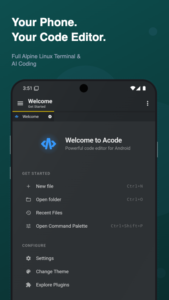
- acode cli in builtin terminal
- Welcome tab for new users
- Better default configs for terminal
- "Open in terminal" option for folders in file tree
- Devtools for plugin dev
- offload heavy changes checks on background thread instead of ui
- make auth more secure
- runtime tests cases
- improved sidebar apps
- and a bunch of fixes and small improvements, Check Changelogs for more details
About Acode editor - Android code editor (f-droid version) 1.12.7
Premium
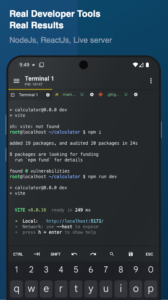
LINUX TERMINAL
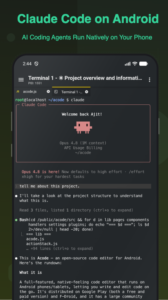
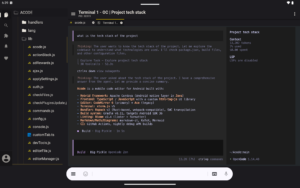
Acode includes an Alpine Linux terminal powered by proot, with no root required. Use apk to install supported command-line packages, keep multiple terminal tabs, customize your shell, and back up or restore your terminal setup.
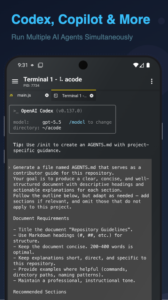
AI CODING SUPPORT
Use the terminal and plugin ecosystem with AI-assisted coding tools where supported. Generate code, review errors, refactor files, and ask for explanations while working from your phone or tablet.
JAVASCRIPT AND WEB DEVELOPMENT
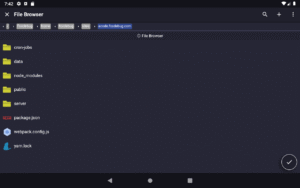
Set up mobile web projects with Node.js and npm, run package scripts, build APIs with server-side JavaScript, preview HTML and Markdown, and test front-end projects inside Acode.
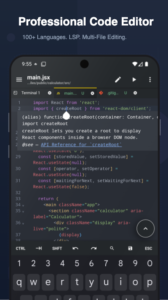
PROFESSIONAL CODE EDITOR
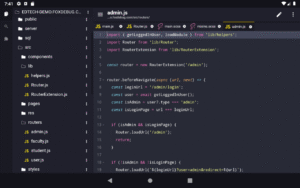
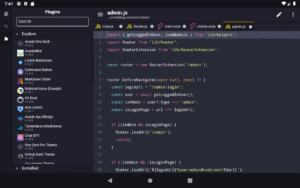
- Syntax highlighting for 100+ programming languages
- Multi-file editing with tabs
- Command palette (Ctrl+Shift+P)
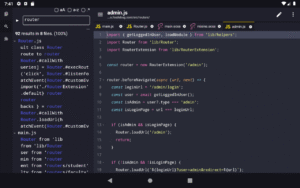
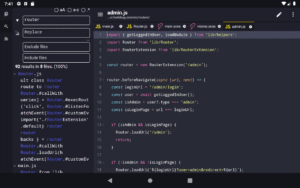
- File search across projects (Ctrl+P)
- Code completion and IntelliSense via LSP plugins
- Keyboard shortcuts for common editor actions
- Emmet support for fast HTML and CSS authoring
- Interactive JavaScript console for debugging
- Live HTML and Markdown preview
- Customizable themes and fonts
- Smooth editing for large files
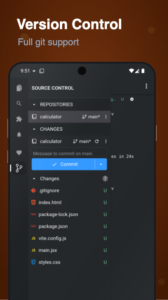
GIT, SSH AND REMOTE TOOLS
- Git workflows including clone, commit, push, pull and branch management
- SSH access for remote server work
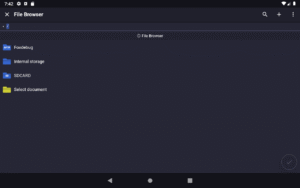
- FTP and SFTP file management
- GitHub integration for project sync
- Tools for editing, previewing and deploying web projects from Android
COMMUNITY PLUGINS
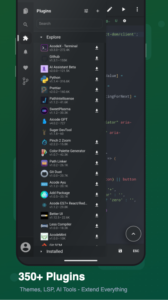
Extend Acode with plugins from the in-app Plugin Store:
- Language servers for IntelliSense
- Themes and icon packs
- AI-assisted coding tools
- Build tools and formatters
- Framework support for modern web development
- JavaScript and TypeScript plugin development
OPEN SOURCE
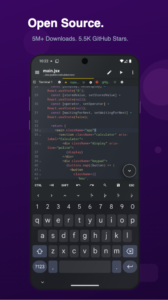
Acode is free and open source under the MIT license. Source code is available at github.com/Acode-Foundation/Acode. Documentation and community links are available at acode.app.
Pro version is available with ad removal and premium themes. In-app purchases may vary by region.
GET STARTED
1. Install Acode
2. Open the terminal and complete the one-time setup
3. Install the packages and plugins you need
4. Start editing, previewing and managing projects from your Android device
Acode requires Android 7.0+. The free version contains ads.
Download Acode editor - Android code editor (f-droid version) 1.12.7
This release may come in several variants. Consult our handy FAQ to see which download is right for you.

Version:1.13.2
Uploaded:September 7, 2026 at 9:16PM UTC
File size:16.05 MB
Downloads:7
Version:1.13.1
Uploaded:August 21, 2026 at 7:59PM UTC
File size:15.97 MB
Downloads:19
Version:1.13.0
Uploaded:August 17, 2026 at 11:24PM UTC
File size:15.97 MB
Downloads:3
Version:1.12.9
Uploaded:August 12, 2026 at 1:40AM UTC
File size:15.97 MB
Downloads:10
Version:1.12.7
Uploaded:August 5, 2026 at 5:10PM UTC
File size:15.93 MB
Downloads:9
Version:1.12.6
Uploaded:June 24, 2026 at 9:19AM UTC
File size:13.86 MB
Downloads:21
Version:1.12.0
Uploaded:May 14, 2026 at 6:17PM UTC
File size:14.10 MB
Downloads:48
Version:1.11.8
Uploaded:January 30, 2026 at 12:42PM UTC
File size:12.43 MB
Downloads:88
Version:1.11.7
Uploaded:November 27, 2025 at 2:08AM UTC
File size:9.42 MB
Downloads:69
Version:1.11.6
Uploaded:September 2, 2025 at 4:52AM UTC
File size:11.44 MB
Downloads:98
Follow APK Mirror


