

 Premium
What's new in CoverScreen OS Legacy CSOS_BETA_65
100k+ downloads, 215+ versions released! It costs less than a phone case to support the continuous development by a one-man army!
* RAZR 70 PLUS support added!
* Widget permissions fix on Z Flip 7 new UI/UX
About CoverScreen OS Legacy CSOS_BETA_65
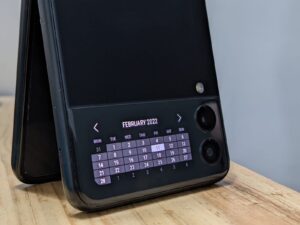
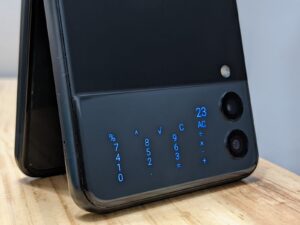
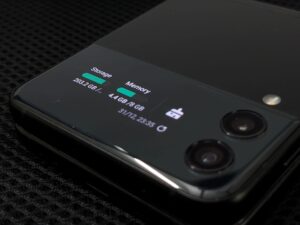
CoverScreen OS turns your flippable phone's cover screen into a full secondary OS.
Premium
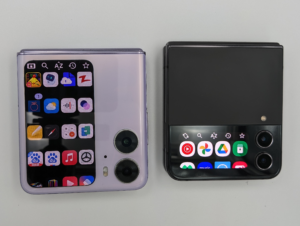
Run apps, widgets, notifications, media controls, quick toggles, caller ID, keyboards and clock faces directly on the outer display. It is designed to go beyond the stock cover screen experience on supported flippables, including Samsung Galaxy Z Flip 3/4/5/6/7/7 FE, Motorola RAZR 40 Ultra/Plus, RAZR 50 Standard/Ultra/Plus, RAZR 60 Standard/Ultra/Plus, RAZR 70 Series, OPPO Find N2/N3 Flip and Vivo X Flip.
Features vary by device model, software version, region and OEM limitations. If you have any issue with a purchase, need help setting up, or want to request a feature, contact dev+csos@ijp.app.
CSOS also works alongside the phone's stock cover screen features. Use the in-app tutorial to learn the navigation system and switch between CoverScreen OS and the OEM cover screen experience.
APP LAUNCHER / DRAWER
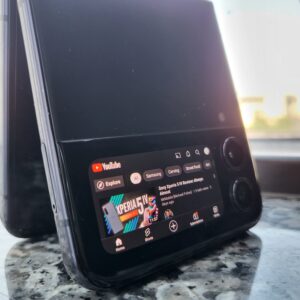
* Launch almost any app on the cover screen.
* Open apps in portrait or landscape orientation.
* Quickly search apps by alphabet.
* Sort alphabetically or by recently used apps.
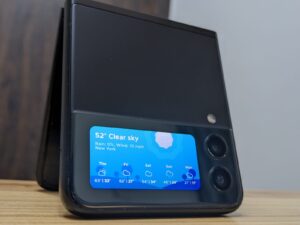
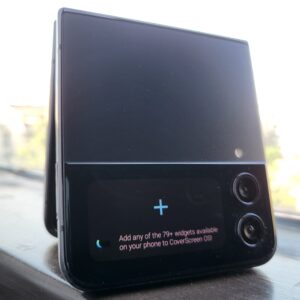
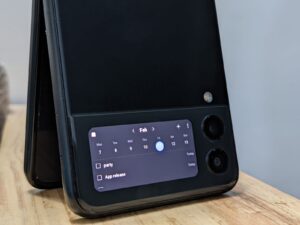
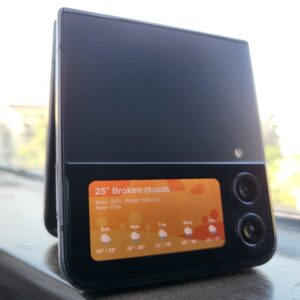
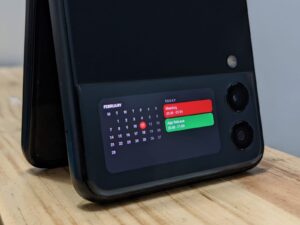
WIDGETS SCREEN
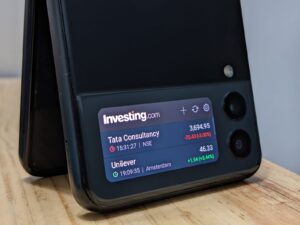
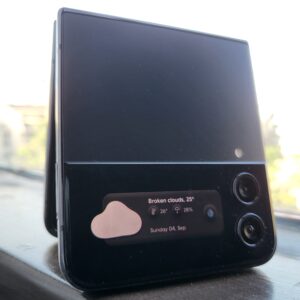
* Add almost any home screen widget from third-party apps.
* Use widgets aligned and scaled for your cover screen.
* Add multiple widgets and choose from supported widget sizes.
* Interact with widgets, including taps, controls and app launch actions.
* Widget scroll pass-through support on newer Z Flip cover screens.
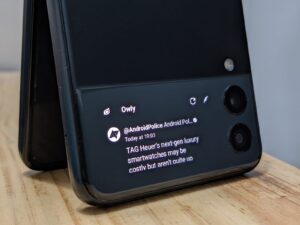
NOTIFICATIONS
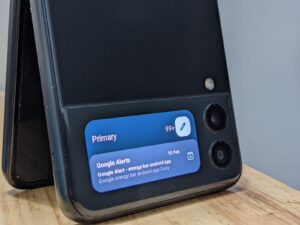
* Read notifications on the cover screen.
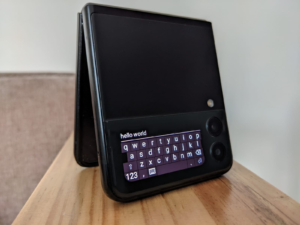
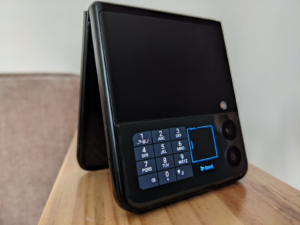
* Reply using Voice, T9 or full QWERTY keyboard.
* Open notifications on the cover screen or main screen.
* Use supported notification actions.
* Dismiss notifications with a swipe.
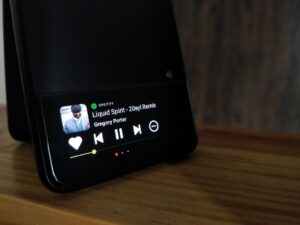
MEDIA PLAYBACK
* Control media sessions from supported apps.
* Switch between multiple active media sessions.
* Scrub through tracks where supported.
* Access extra playback controls beyond many stock cover screen media panels.
* Theme support.
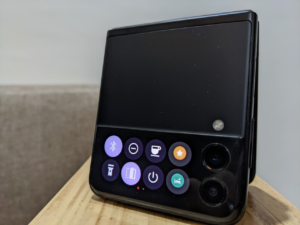
QUICK TOGGLES
* Bluetooth, flashlight, DND and other native toggles.
* Caffeinate to keep the cover screen awake.
* Flex Mode on supported Z Flip devices: use the cover screen while unfolded.
* Add custom quick toggles powered by Bixby Routines, Tasker and other third-party apps.
VoIP CALLER ID
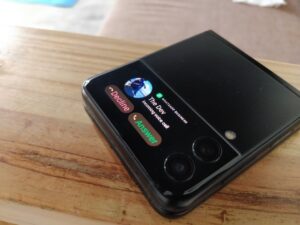
* Incoming call screen for supported VoIP apps.
* Accept, decline or hang up calls from the cover screen where supported.
* Universal Caller ID option for VoIP apps.
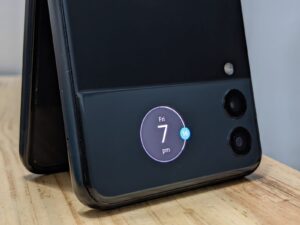
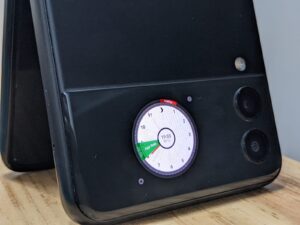
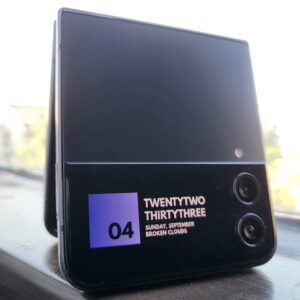
CUSTOM CLOCKFACE
* Set animated objects, photos, GIFs or videos as clockface wallpapers.
* Choose layouts with time, date, battery level and signal information.
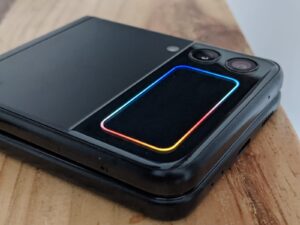
EDGE LIGHTING
* Light up the cover screen edges for incoming notifications.
* Use a single color, app icon color or combined gradient for multiple apps.
NAVIGATION
* Back and Home gestures on the cover screen.
* Built to let CSOS and stock cover screen features coexist.
Sensitive permission requirements
Notification Access: Used to read and display notifications on the cover screen. CoverScreen OS does not save notification content locally or remotely.
Accessibility Service: Used only to interact with the cover screen and support system navigation such as Back and Home. CoverScreen OS does not collect or store personal data through this service.
CoverScreen OS Legacy CSOS_BETA_65 Play Store screenshots (23)
Screenshots from version CSOS_BETA_67
Download CoverScreen OS Legacy CSOS_BETA_65
This release may come in several variants. Consult our handy FAQ to see which download is right for you.

Version:CSOS_BETA_67
Uploaded:October 14, 2026 at 4:20PM UTC
File size:39.95 MB
Downloads:11
Version:CSOS_BETA_66
Uploaded:July 31, 2026 at 1:27PM UTC
File size:40.41 MB
Downloads:161
Version:CSOS_BETA_65
Uploaded:May 22, 2026 at 9:45AM UTC
File size:38.66 MB
Downloads:180
Version:CSOS_BETA_64
Uploaded:April 30, 2026 at 3:36PM UTC
File size:38.66 MB
Downloads:456
Version:CSOS_BETA_63
Uploaded:April 30, 2026 at 10:13AM UTC
File size:38.65 MB
Downloads:32
Version:CSOS_BETA_62
Uploaded:April 30, 2026 at 8:01AM UTC
File size:38.69 MB
Downloads:17
Version:CSOS_BETA_61
Uploaded:April 22, 2026 at 10:52AM UTC
File size:38.66 MB
Downloads:57
Version:CSOS_BETA_57
Uploaded:April 1, 2026 at 12:06PM UTC
File size:37.96 MB
Downloads:85
Version:CSOS_BETA_56
Uploaded:March 30, 2026 at 10:31PM UTC
File size:37.96 MB
Downloads:8
Version:CSOS_BETA_55
Uploaded:March 29, 2026 at 9:07AM UTC
File size:37.95 MB
Downloads:29
Follow APK Mirror


