

 Premium
What's new in Simple Keyboard 6.3
Clipboard paste button in long-press ","
Clipboard paste and Settings buttons in number layouts
About Simple Keyboard 6.3
This keyboard is created for those who only need a keyboard and nothing more.
Premium
To enable the keyboard:
* Open "Simple Keyboard" from your launcher
* Enable the Simple Keyboard (default system warning about tracking will be shown)
* Switch to Simple Keyboard from current Input Method (differs between keyboards, usually long-press space)
* To edit Simple Keyboard settings long-press "," or open system Settings, Languages & Input, Simple Keyboard.
* You can enable/disable all the input methods in Settings, Languages & Input, Manage Keyboards (differs between phones)
Features:
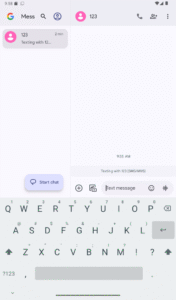
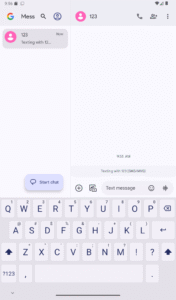
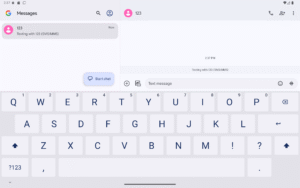
* Small size (<1MB)
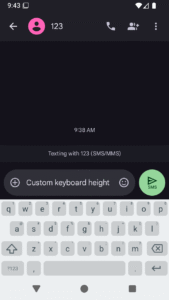
* Adjustable keyboard height for more screen space
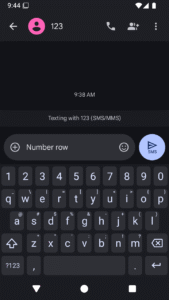
* Number row
* Swipe space to move pointer
* Delete swipe
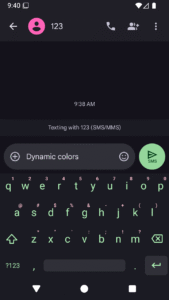
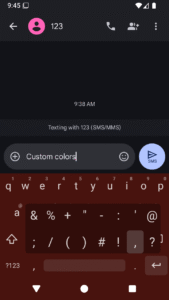
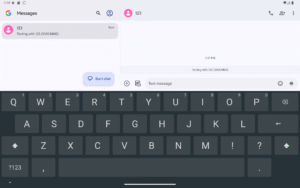
* Custom theme colors
* Minimal permissions (only Vibrate)
* Ads-free
Features it doesn't have and probably will never have:
* Emojis
* GIFs
* Spell checker
* Swipe typing
Application is open-source (link in the bottom of store page). Licensed under Apache License Version 2.

Download Simple Keyboard 6.3
This release may come in several variants. Consult our handy FAQ to see which download is right for you.

Version:6.3
Uploaded:January 30, 2026 at 6:36AM UTC
File size:0.59 MB
Downloads:14
Version:6.1
Uploaded:December 29, 2025 at 6:40AM UTC
File size:0.57 MB
Downloads:123
Version:6.0
Uploaded:December 22, 2025 at 6:49AM UTC
File size:0.57 MB
Downloads:38
Version:5.41
Uploaded:December 21, 2025 at 1:25AM UTC
File size:0.81 MB
Downloads:42

Version:4.6
Uploaded:March 4, 2021 at 1:58PM UTC
File size:0.85 MB
Downloads:56
Follow APK Mirror


