

 Premium
What's new in Designer Tools Pro 2.1.0
* Improve stability for Android 16
* Minimal supported Android 6
About Designer Tools Pro 2.1.0
Designer Tools Pro provides a suite of features to review and validate app specifications. Whether it be checking your keylines or that shade of blue, you’ll definitely want to add this app to your toolkit. Even if you provide redlines, these are a great way to verify each and every pixel.
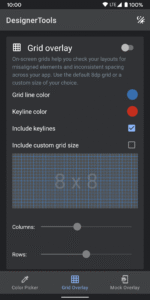
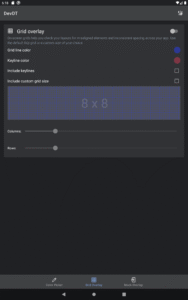
Grid Overlay - Quickly toggle on-screen grids to check layouts for inconsistent spacing or mis-aligned elements. You can even customize the grid size, grid line and keyline colors.
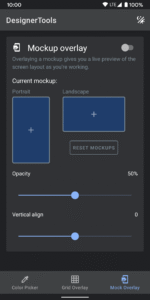
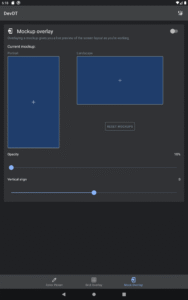
Mockup Overlay - Display a mockup image over your app. This gives you a high-fidelity opportunity to see how the design spec matches the developed user interface. Choose from portrait or landscape overlays and tune the opacity for an effective comparison. You can also adjust vertical position on mockup image
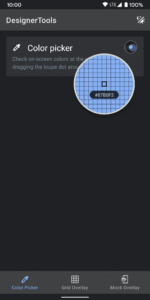
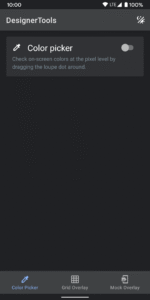
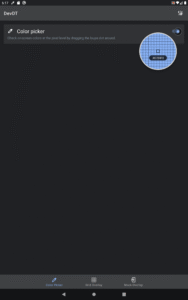
Color Picker - Use your finger to drag around a loupe magnifier and identity the hex codes of colors at the pixel level you can also tap on hex text to copy it into clipboard.
Disclosure:
The app uses the AccessibilityService API to display a floating popup to enable multitasking.
No data is collected or shared using the AccessibilityService API!
Download Designer Tools Pro 2.1.0
This release may come in several variants. Consult our handy FAQ to see which download is right for you.

Follow APK Mirror


